User’s Manual (Confidential)
OsteoSys Co., Ltd.
Model Designation : SONOST 3000 DOC. No. : OT06-2R7124
59
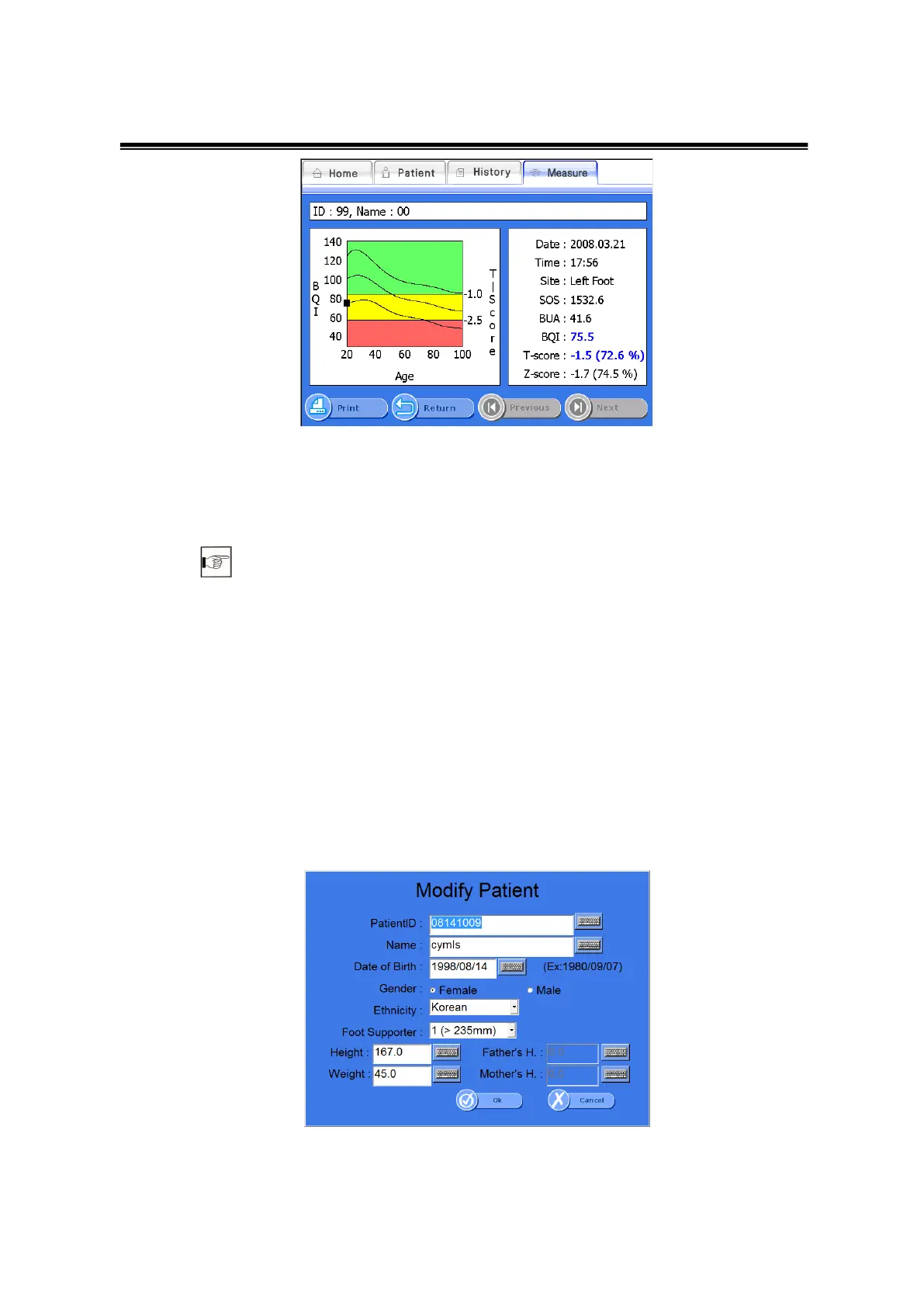
Detailed results screen.
Click <Print> on the bottom of results screen, then the report is printed.
3.4.8Printing of clinical history and Result
3.4.6 Modification and Deletion of patient’s information
① Modification of patient’s information
If you want to edit registered patients’ information, select a desired patient
and click <Modify> from the bottom menu.
Then the “Modify Patient” screen appears as shown below. Change details
of the patient followed by clicking <OK> to save the changes.
Modify Patient Window



 To Next Page