User’s Manual (Confidential)
OsteoSys Co., Ltd.
Model Designation : SONOST 3000 DOC. No. : OT06-2R7124
65
3.4.8 Daily test of SONOST 3000
Daily test
Make sure to calibrate the system to reduce a margin of error and to get accurate
value in times of examining bone density. It is to raise credibility of examination
results through checking of system reliability on a daily basis.
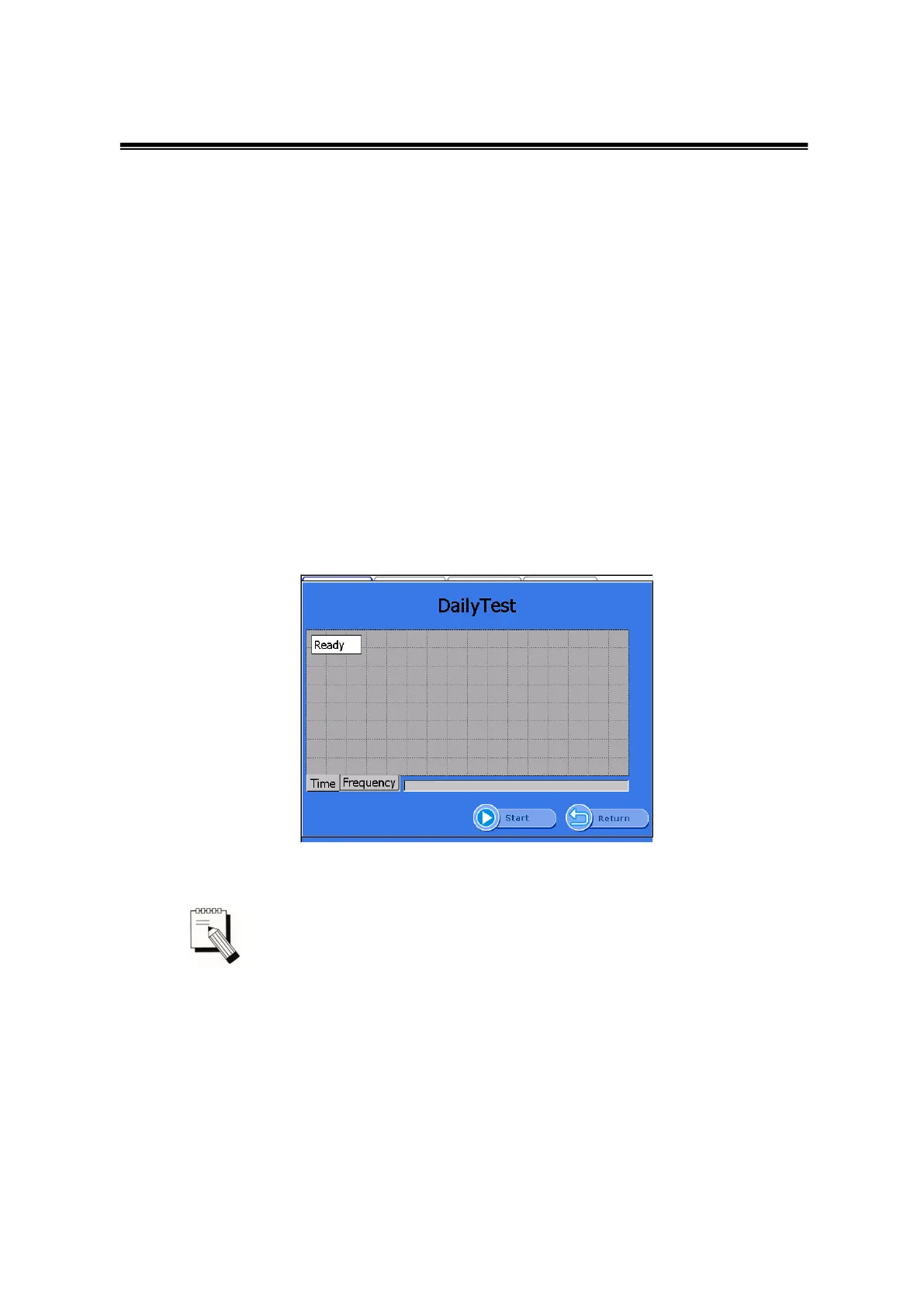
To calibrate the system, click the <DailyTest>button in the “Home” screen.
Then the “DailyTest” screen appears as shown below. When you click the <Start
DailyTest>button, DailyTest is started. If the DailyTest is successful, the message box
“Complete Dailytest” appears. Press “OK” to return to “Home” screen.
If you select the “Time” tap, a graph appears in the time domain.
If you select the“Frequency” tap, graph appears in the frequency domain.
DailyTest Screen
Whenever you calibrate the system, you should use the QC Phantom
included in the accessories list.
If you input the temperature and then click the <Start>button on the bottom,
ultrasonic waves are generated and the <Start> button will be changed to <Stop>.
In case of emergency, click this button and you can stop the daily test in progress. In
normal conditions, the message box “Complete Daily Test” appears as shown below
with an alarm sound after progressing calibration of the system and if you
click<OK>button, the calibration is complete.



 To Next Page