User’s Manual (Confidential)
OsteoSys Co., Ltd.
Model Designation : SONOST 3000 DOC. No. : OT06-2R7124
64
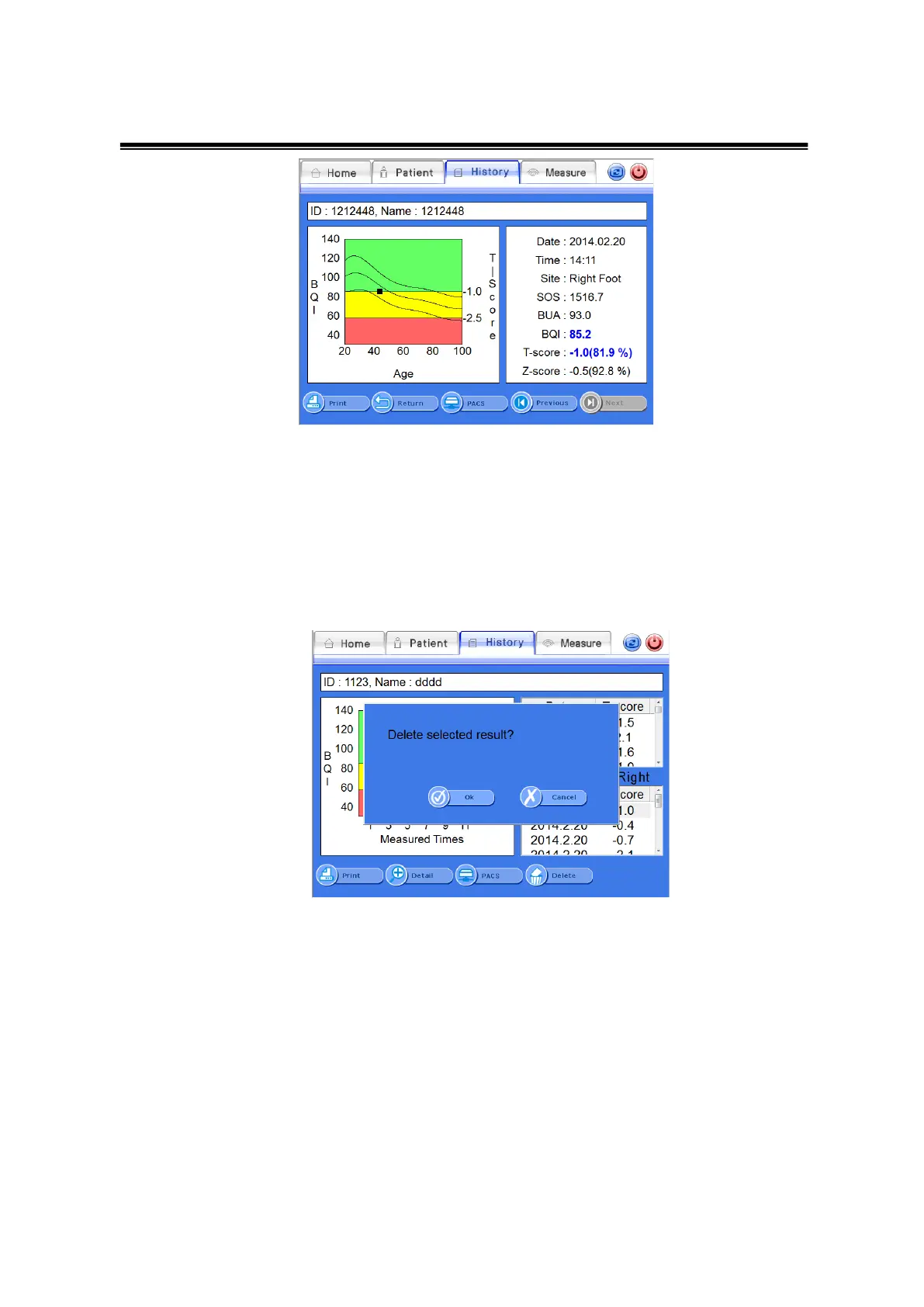
Detailed Result Screen
③ Deletion of Clinical History of Existing Patients
If you want to delete the clinical result of patients, select a desired result and click
the <Delete>button on the bottom of the result screen. Then the message box
“Delete History?” will be displayed to confirm the deletion. Click <OK> to delete.
Delete Patient Window



 To Next Page