English-4
GETTING STARTED
1. Unpackyourcoffeemakerandremoveplasticbags,cartonsandanytapeontheunit.
WARNING: Keep plastic bags away from children.
CLEAN COFFEEMAKER BEFORE USE
Just follow these simple steps:
1. Wash the carafe and the brew basket in a mixture of mild detergent and water. Rinse
each thoroughly.
2. Replace all the parts and close the lid. Then, run a brew cycle by adding only water
to the coffeemaker. After adding water, press .
3. When brewing is complete, turn your coffeemaker off. Turn your coffeemaker off by
pressing the button again.
4. Discard the water in the carafe and rinse the carafe, carafe lid, and brew basket.
NOTE: Carafe and brew basket are top rack dishwasher safe.
SETTING THE CLOCK
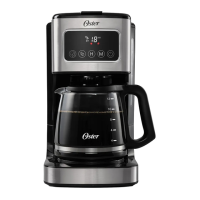
1. Plug the power cord plug into the outlet. The LED will display “12:00AM” together
withthe“12:00”ickers.
2. SetcurrenttimeusingtheHour(H)andMinute(M)buttons.3secondsofinactivity
will set clock at time selected.
BVSTDC4403_BVSTDC4404_23SEM2 (LA).indd 4BVSTDC4403_BVSTDC4404_23SEM2 (LA).indd 4 2023/6/2 11:322023/6/2 11:32


 To Next Page