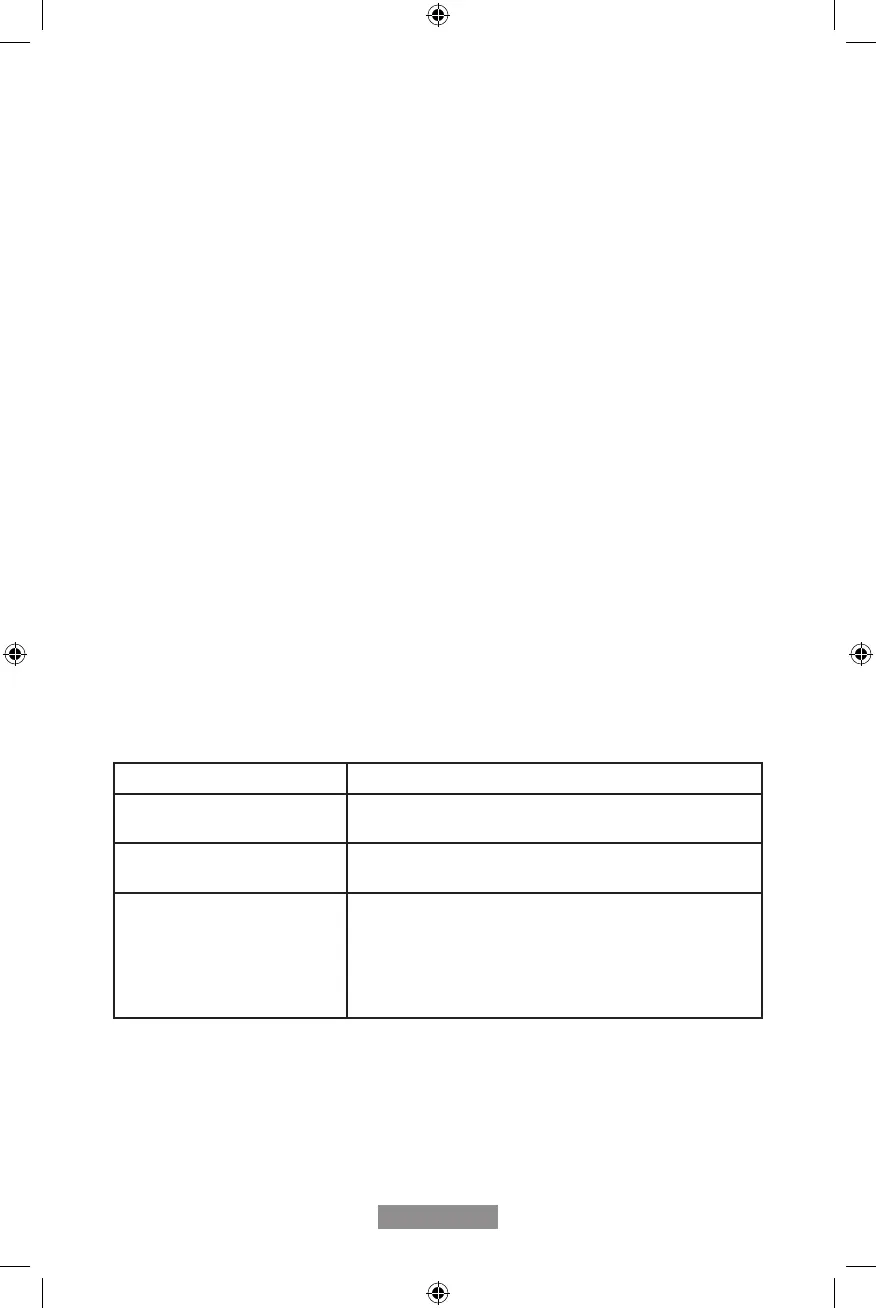
Type of Debris/Build-Up Cleaning Recommendation
Light Dirt Use a cotton cloth or terrycloth towel to wipe the
soleplate with warm soapy water.
Hard Water Deposits Use a cotton cloth or terrycloth towel to wipe the
soleplate with a 50/50 vinegar/water mixture.
Heavy Starch or Residue
Build-up
Use Hot Iron Cleaner or Mr. Clean
®
Magic Eraser
®
cleaning pad. Refer to the manufacturer’s directions
included with these products for specic cleaner usage
instructions.
Mr. Clean
®
and Magic Eraser
®
are registered
trademarks owned by the Procter & Gamble company.
English - 10
Maintaining And Cleaning Your Iron
Cleaning Soleplate
Clean soleplate after every 30 uses, or more frequently if starch is used or build-up starts
to accumulate. Before cleaning, ensure iron is unplugged and cool.
WARNING: To avoid the risk of electric shock, do not immerse the iron in water or other
liquids.
Note: Do not use abrasive cleansers, scouring pads or vinegar to clean the soleplate.
This will damage the nish.
USING SELF-CLEAN FEATURE
Use the Self-Clean feature once a month to maintain optimal iron performance.
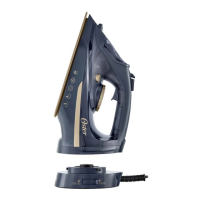
1. Unplug iron and remove from charging base .
2. Move Steam Lever back and forth to remove debris and minerals from Steam Valve.
This keeps water owing into the steam chamber.
3. Fill water reservoir with tap water to MAX line.
4. Set iron and lock onto charging base the plug in iron and heat up for a few seconds.
5. Unplug iron and remove from charging base. Holding iron over a sink in a horizontal
position, press Self-Clean Button and hold. Water will begin dripping from the steam
vents on the soleplate. Slowly rock iron side to side and front to back for 30 seconds.
Dip nose of the iron slightly below the rear to circulate water. Release Self-Clean
Button after one minute.
6. Open Water Fill Hole Cover and empty remaining water. Carefully dry soleplate with
a towel after iron has cooled.
7. Plug in iron and heat for 1 minute to dry out completely. Unplug the iron and allow to
cool.
GCSTCC5000_22SEPM1 (LA).indd 10GCSTCC5000_22SEPM1 (LA).indd 10 2022/9/14 10:35 AM2022/9/14 10:35 AM


 To Next Page