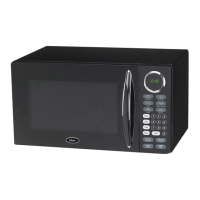
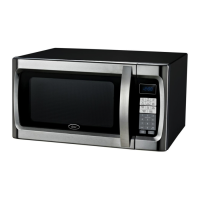
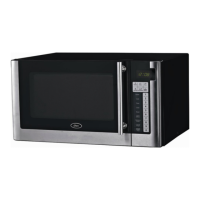
7
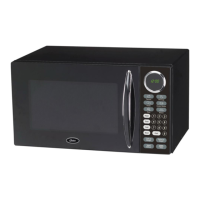
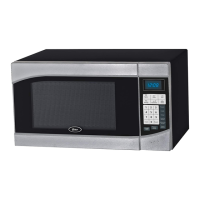
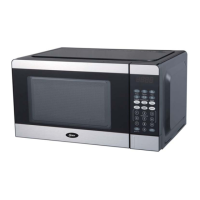
CONTROL PANEL
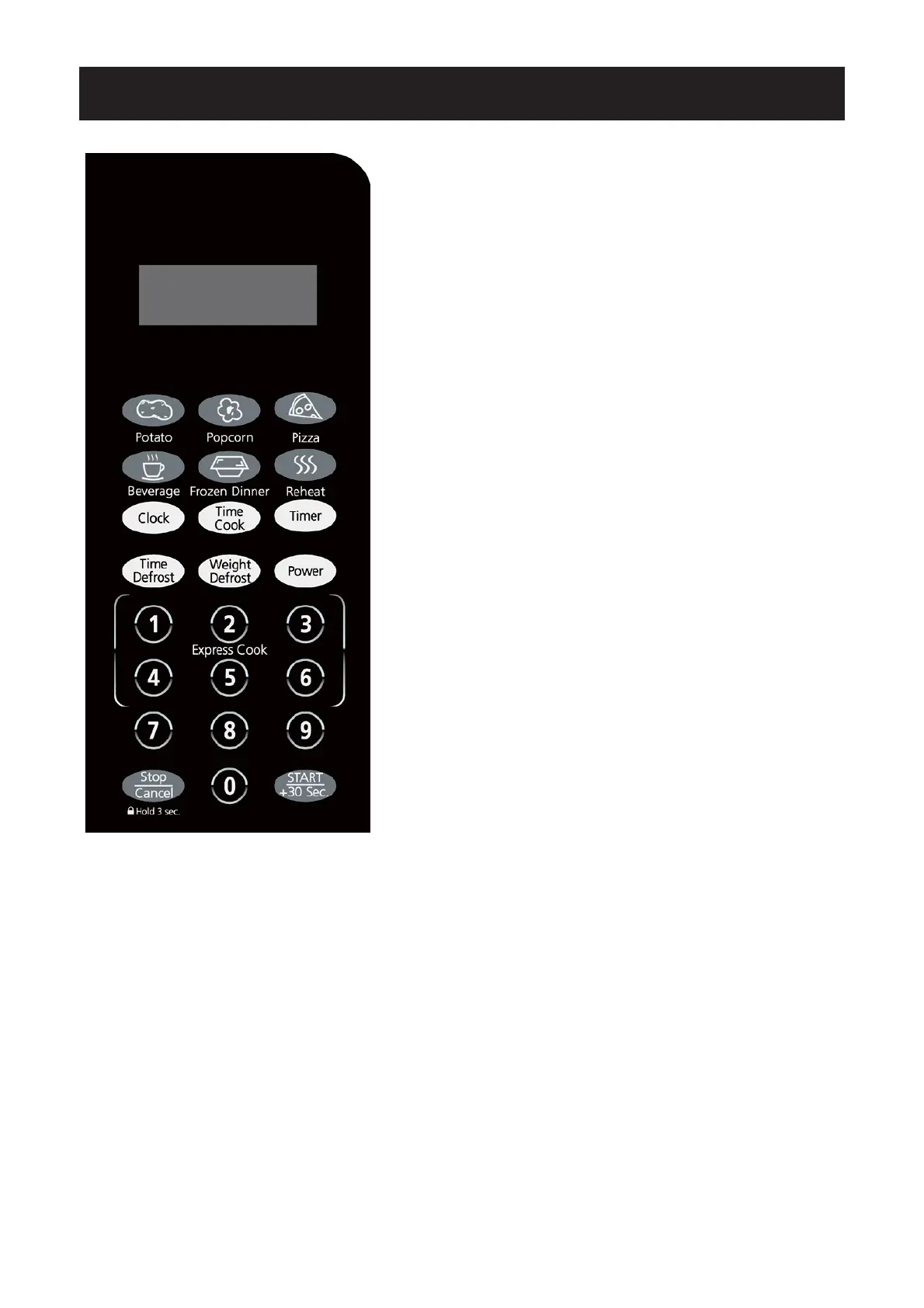
Q MENU ACTION SCREEN
Cooking time, power, indicators and present time are displayed.
Q AUTO COOK MENUS
Instant settings to cook popular foods
Q NUMBER PADS (0-9)
Press to set time or amount of food. But use the number pads from
1 to 6 to set express cooking program.
Q CLOCK
Press to set clock time.
Q TIME COOK
Press to set microwave cooking program or set multistage cooking
program.
Q TIMER
Press to set timer function.
Q TIME DEFROST
Press to set defrost program based on time.
Q WEIGHT DEFROST
Press to set defrost program based on weight.
Q POWER
Press to set microwave cooking power level.
Q STOP/CANCEL
Press to reset the oven before setting a cooking program.
Press once to temporarily stop cooking, or twice to cancel cooking
altogether.
It is also used for setting child lock function.
Q START/+30 SEC.
Use to start cooking program.
Simply press it a number of times to set cooking time and cook
immediately at full power level.


 To Next Page