9
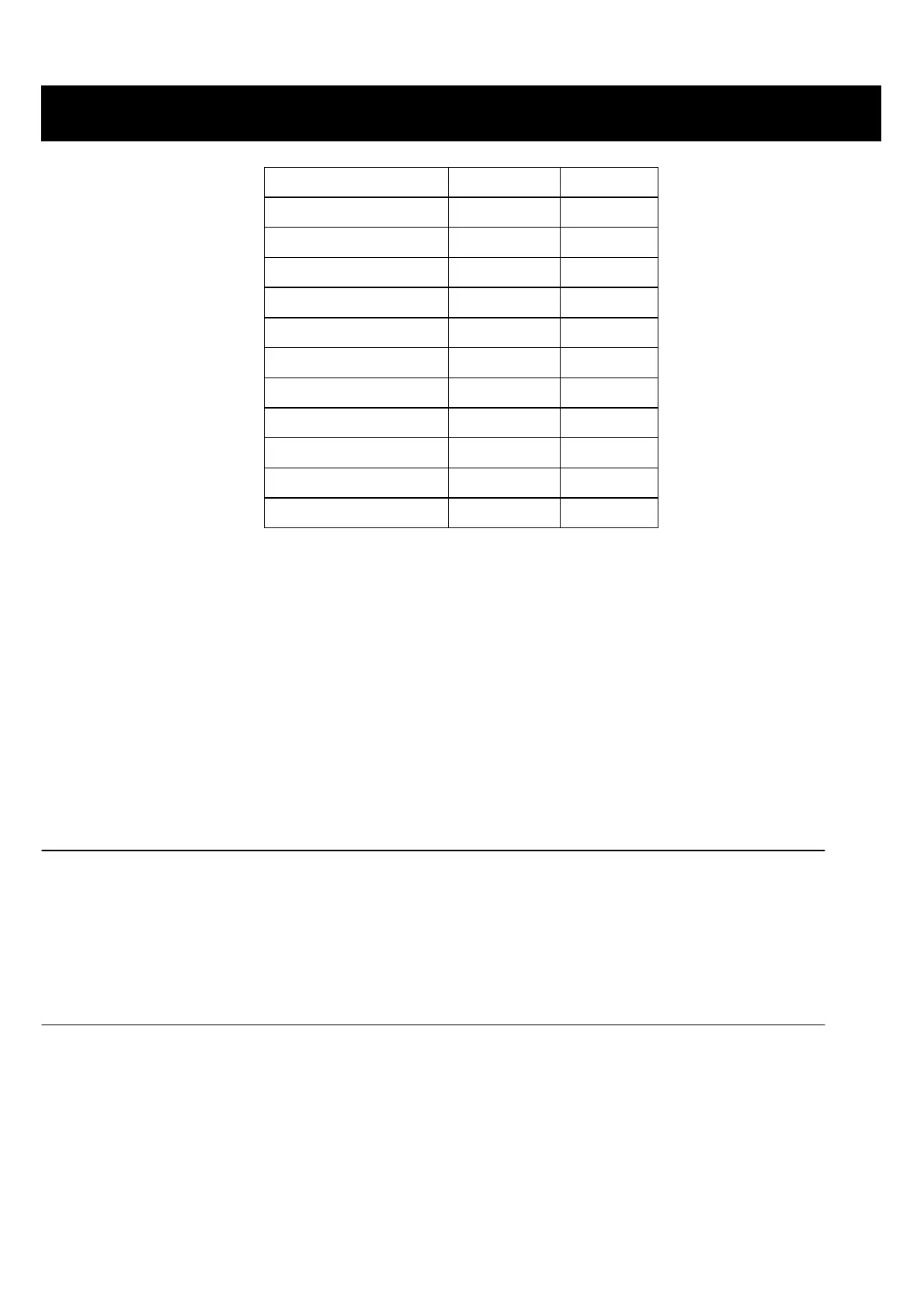
Press POWER pad Power Level Display
Once 100% P-HI
Twice 90% P-90
Thrice 80% P-80
4 times 70% P-70
5 times 60% P-60
6 times 50% P-50
7 times 40% P-40
8 times 30% P-30
9 times 20% P-20
10 times 10% P-10
11 times 0% P-00
Suppose you want to cook for 5 minutes at 60% of microwave power.
1. Press POWER pad to set P-60 (60%).
2. Touch number pad to enter desired cooking time.
3. Press START/STOP pad.
Notes:
• During cooking, you can press POWER to check the cooking power.
• In waiting mode, if you use number pad enter cooking time, and then press START/STOP pad, the oven will start
cooking at 100% power.
Express Cook
Directly in standby mode, press the number "1~6" key once, the corresponding system direct start cooking time
respectively 1 min, 2 min, 3 min, 4 min, 5 min and 6 min. The oven will start to cook at full power level.
Setting +30 Sec
This feature allows you to start the oven quickly at high power level. In waiting mode, press +30SEC pad a number of
times to enter cooking time, he oven starts work at full power level immediately
During microwave cooking or quick start cooking, you can press the +30SEC pad repeatedly to add cooking time (up
to 99 min. 59 sec.).
OPERATION INSTRUCTIONS
continued



 To Next Page