On-Board Systems
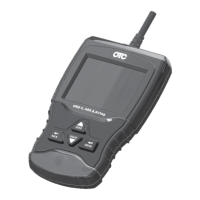
Scan tool controls the operation of vehicle components, tests or
systems.
Vehicle Information
Scan tool displays the vehicle’s VIN number, Calibration ID(s) and
CVN that identify the software version in the vehicles control
module(s.) The tool also displays In-Use Performance Tracking of
important readiness monitors.
Review Data
Allows review of data stored in Scan Tool.
DTCs (Codes)
Five-digit alphanumeric codes that help determine the cause of pro-
blems with a vehicle.
Recording
Plays back a recording that allows viewing of previously-recorded
PIDs.
Code Lookup
LooksupdenitionsofDTCsstoredinScanTool.
System Setup
Changes tool settings, displays tool information, and performs tool
self-tests.
English/Metric
Changes measurement units
Language Setup
Allows the user to change the language used by the tool. English is
the default.
Long PID Names
Allows the user to enable/disable the tool scrolling the complete PID
name on the bottom line of the display while viewing live data or
viewing freeze data.
Tool Information
Allowstheusertoviewspecictoolinformationthatmaybeneeded
when contacting customer service.
|
OTC3209
|
Quick Start Guide |
en
575516 REV A | 05.2015Bosch Automotive Service Solutions Inc.


 To Next Page