16 17
About
Startup Handling Warnings More info
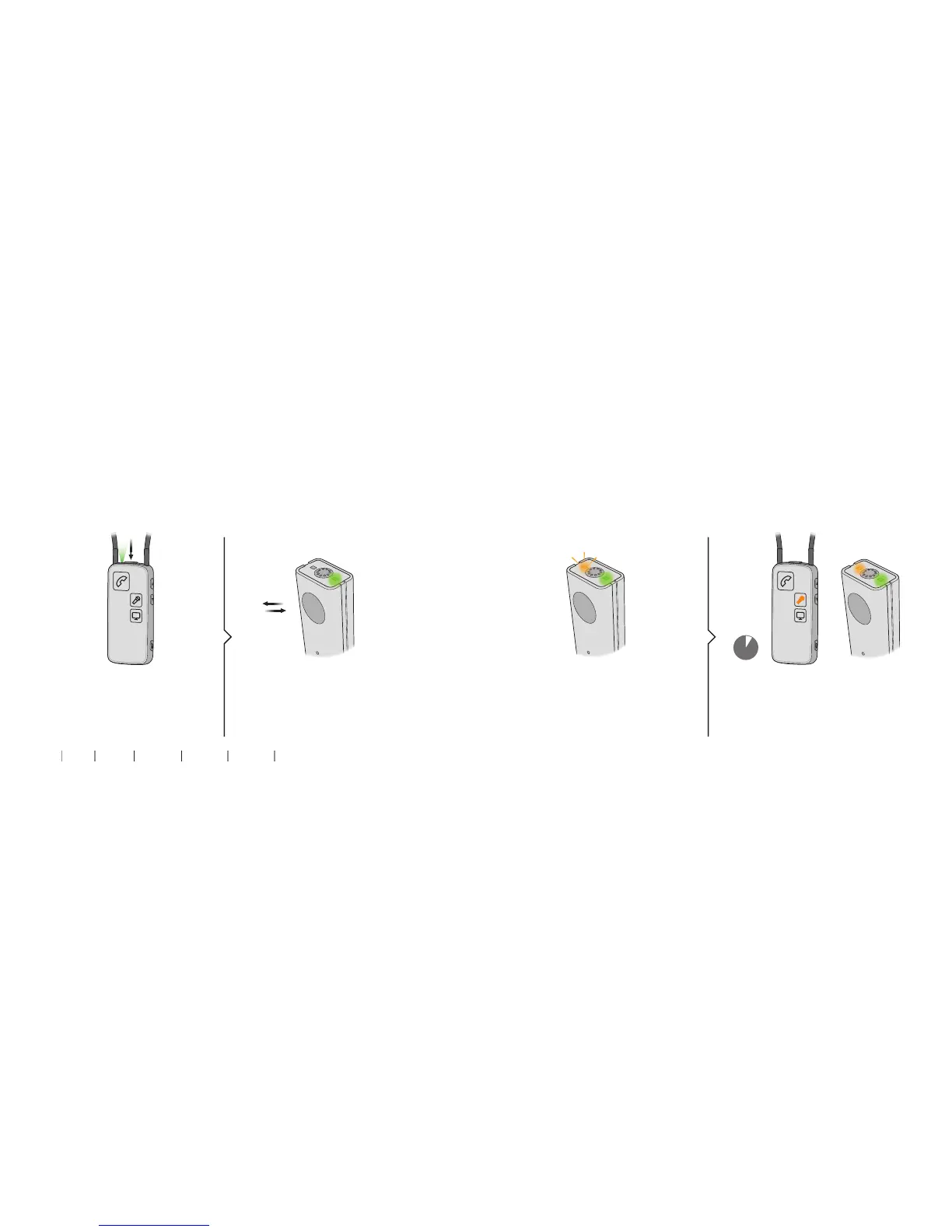
Press the on/off button on the top un-
til all lights on the front and top flash
to indicate it is powered on.
Short press on the on/off button. Orange light slowly pulsating. Orange light on Streamer Pro on and
orange light on Microphone on.
Start / turn on / resume sound from Microphone
1. Make sure Streamer Pro is on 2. Start / turn on Microphone
3. Sound from Microphone to
Streamer Pro
5 secs
Handling


 To Next Page