52
About Start up Handling Options Warnings More info
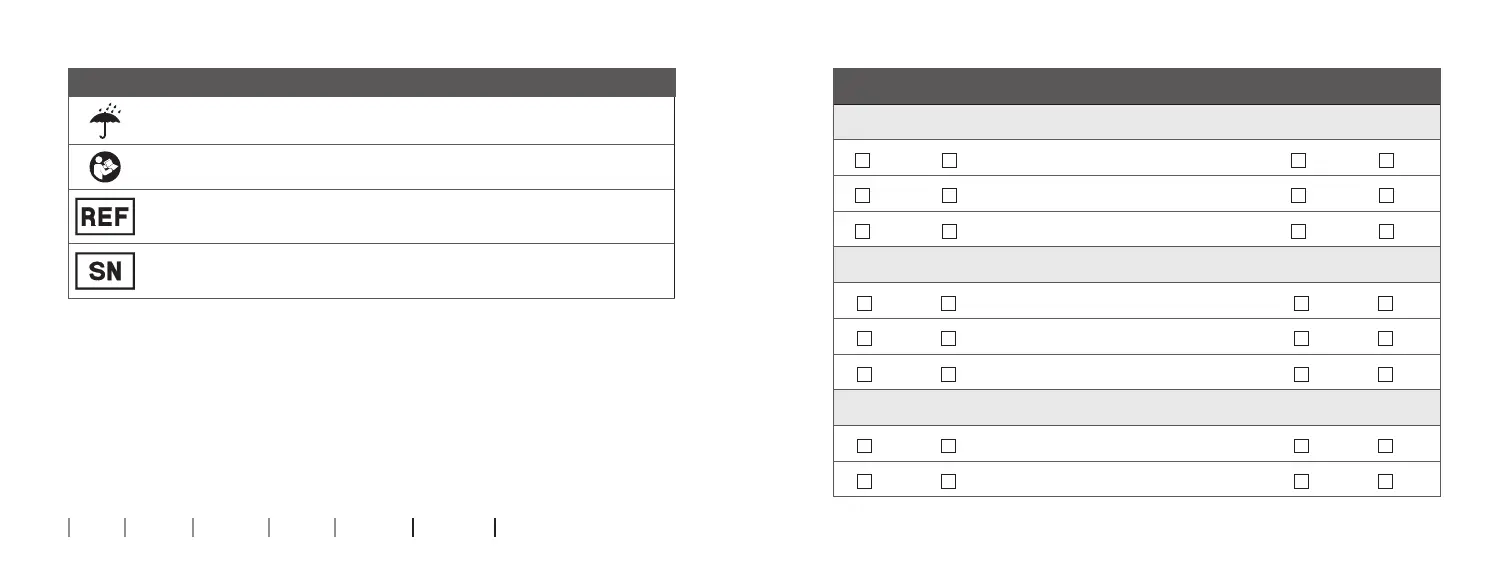
Description of symbols used on the packaging label
Keep dry
Indicates a medical device that needs to be protected from moisture.
Caution symbol
Consult instructions for use for warnings and cautions.
Catalogue number
Indicates the manufacturer’s catalogue number so that the medical device
can be identied.
Serial number
Indicates the manufacturer’s serial number so that a specic medical
device can be identied.
Settings overview for your hearing aid
Left Right
Yes No
Volume wheel
Yes No
Yes No
Program shift
Yes No
Yes No
Mute
Yes No
Volume wheel indicators
On O
Beeps at min /max volume
On O
On O
Clicks when changing volume
On O
On O
Beeps at preferred volume
On O
Battery indicators
On O
Low battery warning
On O
On O
Change battery
On O
158467UK / 2019.02.12
158467UK / 2019.02.12



 To Next Page