14 15
Programs (Optional)
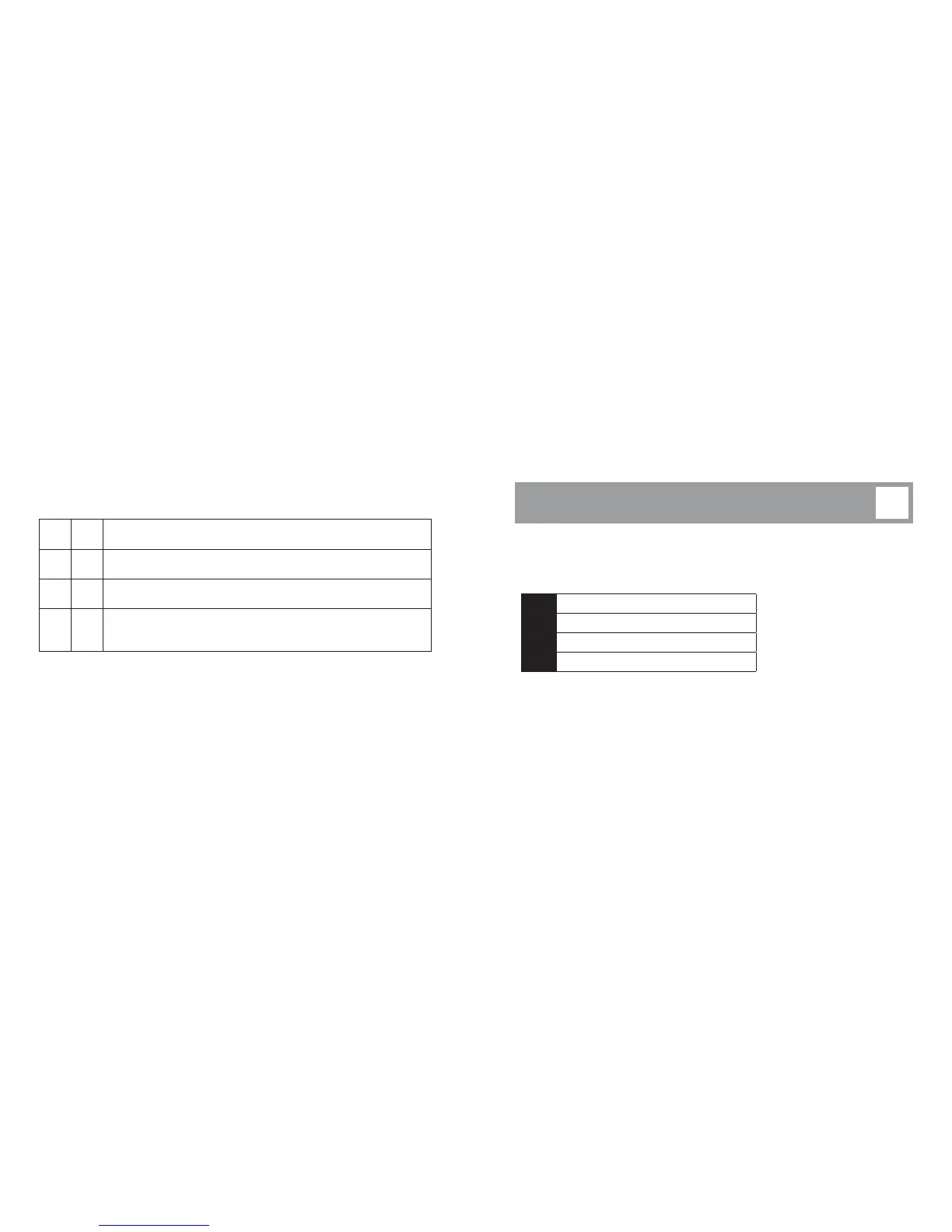
Your hearing instrument can have up to different programs.
When switching between the different programs, your hearing instrument will beep.
The number of beeps will indicate which program you are using.
e
One beep, when you switch to program
ee
Two beeps, when you switch to program
eee
Three beeps, when you switch to program
eeee
Four beeps, when you switch to program
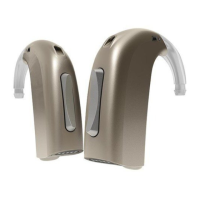
The push-button on your hearing instrument can be programmed to one of functionalities.
Left Right
Program shift:
Short push to change program.
Volume control:
Short push to adjust the volume.
Both volume control and program shift:
Short push to adjust the volume and long push (about seconds) to
shift the program.
To be filled out by your Hearing Care Professional!


 To Next Page