Firmware update history for Oticon More hearing aids
Oticon More
Firmware number New functionality/improvements
1.0.1
Enhanced Bluetooth® performance and stability
Enhanced stability of connection to Android™ devices
Improved handling of multiple Bluetooth devices
1.0.2
Streaming and hearing instrument performance improvements
1.1.1
Oticon More compatibility with CROS and CROS PX
SmartCharger compatibility
Use of the MicroShell
Introduction of MyMusic
Fixed streaming volume for the TV adapter via the ON app
1.3.0
Compatibility with hands-free communication
Updated volume control settings for streamed sound
from TV Adapter 3.0
1.4.0
Compatibility with Corda miniFit 1.3 mm
Push-button handling of hands-free calls
1.4.1–1.4.3
General updates for improved connectivity and performance
1.4.4 (12/23)
Improved connectivity to ConnectClip
Performance and connectivity improvements for iOS and Android
devices
Improved ‘battery time left’ estimations in the Companion app.
Firmware update history for Oticon Real hearing aids
Oticon Real
Firmware number New functionality/improvements
1.0.1
General updates for improved connectivity and performance
1.1.0
Compatibility with new functionalities in the Oticon
Companion app:
• Sound Equalizer and HearingFitness™.
• Remember volume setting in all hearing aid programs.
General updates for improved connectivity and performance.
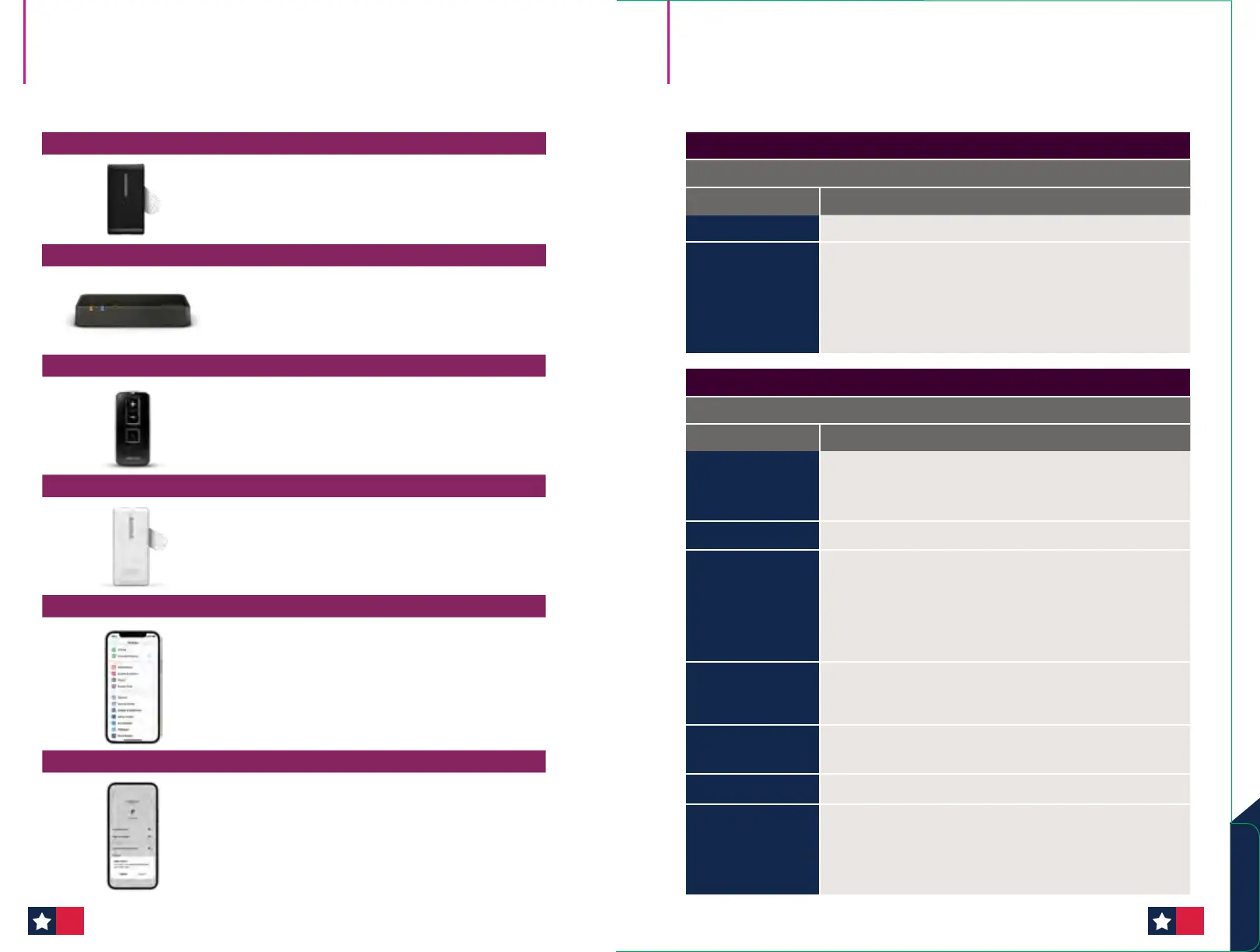
ConnectClip
Press and hold Multi-button, Volume UP AND Volume
Down for 10 seconds to clear all Bluetooth Pairings.
Indicated by status indicator light BLINKING RED.
TV Adapter
Reset System: Press and hold the setup button for
more than 5 seconds. Indicators will fade blue to
indicate no pairings. Repair with instructions
on page 59.
Remote Control 3.0
Press and hold all three of the buttons together at one
time for 5 seconds.
EduMic
Ensure EduMic is turned on. Press and hold down the
button for 12 seconds until the status indicator turns
RED. All pairings with hearing aids are now cleared
from EduMic.
Apple Devices
Under settings app
• Accessibility
• Hearing Devices
• Click on Instruments
• Scroll to bottom of page and click on Forget Devices
• Click “Forget”
Android Devices
Bluetooth settings
• Click on Cogwheel next to hearing instruments
• Choose “unpair”
Clearing pairings
accessories and devices
Oticon firmware update
history overview
Firmware Updates
7372












 To Next Page