52
About Start up Handling Options Warnings Additionals
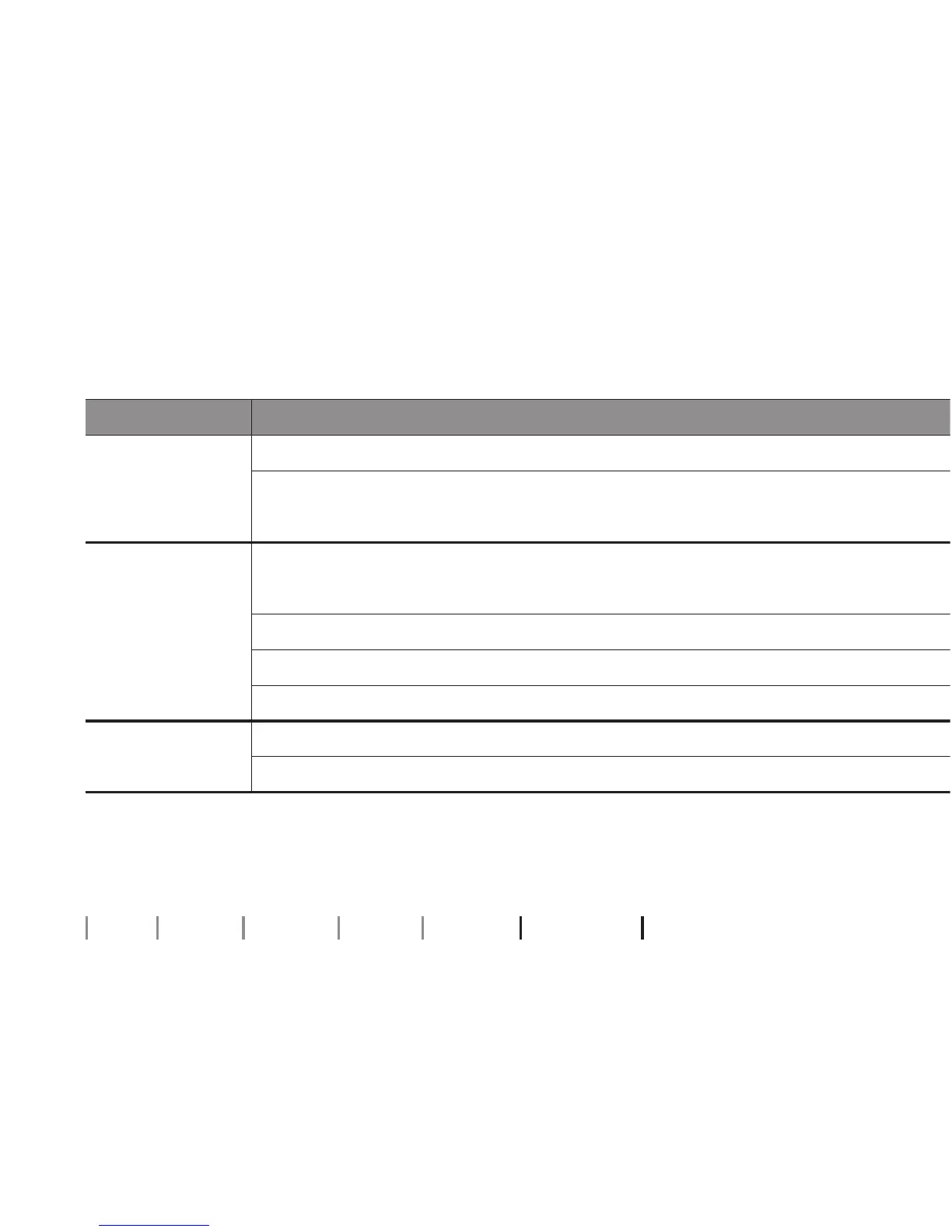
Symptom Possible causes
Clogged tube or earpieces (mold, dome, GripTip, micro mold or LiteTip)
Clean mold
Clean Corda miniFit (thin tube), replace dome or GripTip or replace wax lter
Intermittent or
reduced sound
Clogged sound outlet
Clean mold
Clean Corda miniFit (thin tube), replace dome or GripTip or replace wax lter
Wipe battery with a dry cloth and/or dry tube
Clogged damping lter in sound hook
Contact your Hearing Care Professional for assistance
Squealing noise
Hearing instrument earpiece inserted incorrectly
Re-insert earpiece (mold, dome, GripTip, micro mold or LiteTip)
Ear wax accumulated in ear canal
Have ear canal examined by your doctor
If none of the above solutions work, consult your Hearing Care Professional for assistance.
Troubleshooting guide



 To Next Page