EasyManua.ls Logo

oticon Nera2 - User Manual

oticon Nera2
32 pages
Print Icon
To Next Page IconTo Next Page
Loading...
Alta2
Nera2
Ria2
IIC-CIC-MIC-ITC-HS-FS
Instructions for use

Questions and Answers

  • J
    James OdonnellAug 2, 2025
    Why oticon Nera2 has no sound?
    • M
      Mary RodriguezAug 2, 2025
      If your Oticon Hearing Aid produces no sound, the cause may be a worn-out battery, which requires replacement. Alternatively, the sound outlet may be clogged, necessitating cleaning or replacement of the wax filter. Another possible cause is a clogged microphone inlet, which can be resolved by cleaning the inlet or replacing the filter (T-Cap or O-Cap).
  • J
    Jamie YoungAug 11, 2025
    What to do if oticon Nera2 sound is intermittent?
    • A
      Alexis HannaAug 11, 2025
      If the sound from your Oticon Hearing Aid is intermittent or reduced, it could be due to a clogged sound outlet, which can be fixed by cleaning the sound outlet or replacing the wax filter. Another cause might be moisture, in which case you should wipe the battery and hearing aid with a dry cloth. Also, check if the battery is worn out and replace it if necessary.
  • K
    Kevin GarciaAug 22, 2025
    How to stop oticon Hearing Aid from squealing?
    • S
      Stephen McculloughAug 23, 2025
      If your Oticon Hearing Aid is producing a squealing noise, it might not be inserted properly; try re-inserting it. Another potential cause is ear wax accumulation in your ear canal, in which case you should have your ear canal examined by your doctor.

Summary

Model Overview

Hearing Aid Families and Models

Lists the hearing aid families and specific models covered by this booklet.

Introduction and Intended Use

Booklet Introduction

Explains the purpose of the booklet and how to use it for optimal hearing aid benefit.

Intended Use of Hearing Aid

Defines the purpose of the hearing aid in amplifying sound for mild to severe hearing loss.

Hearing Aid Types and Identification

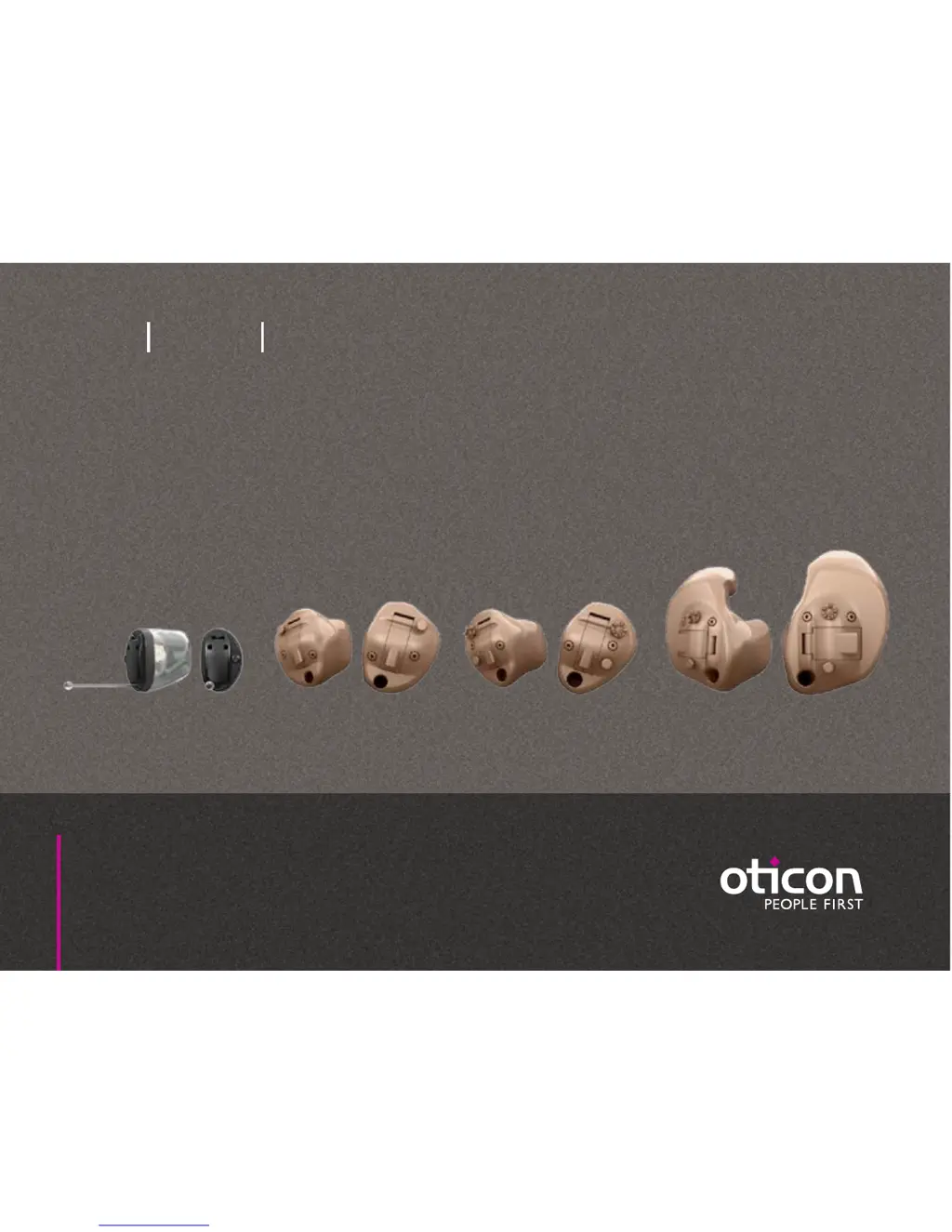
Identify Your Hearing Aid Style

Guides users to identify their specific hearing aid style and size.

Size 10 Battery (CIC Shown)

Details the components and functions of the Size 10 battery hearing aid.

Size 312 Battery (ITC Shown)

Details the components and functions of the Size 312 battery hearing aid.

Size 13 Battery (Full Shell Shown)

Details the components and functions of the Size 13 battery hearing aid.

Initial Setup and Power Management

Identify Left and Right Hearing Aid

Explains how to distinguish between left and right hearing aids using shell color or markings.

Battery Overview

Explains the role of batteries and how to identify the correct type for the hearing aid.

Turning the Hearing Aid On and Off

Explains the battery drawer's role in switching the hearing aid on and off.

Battery Replacement Procedure

Provides step-by-step instructions for removing and inserting hearing aid batteries.

Handling and Maintenance Procedures

Cleaning Your Hearing Aid

Offers guidance on cleaning the hearing aid's microphone openings and vents.

Using the MultiTool for Maintenance

Details the uses of the MultiTool for battery changes and cleaning ear wax.

Filter Replacement Guide

Explains when and how to replace wax filters for optimal sound quality.

Hearing Aid Options and Customization

Optional Features Overview

Introduces optional features and accessories available to enhance hearing aid functionality.

Program and Volume Control

Details how to change programs and adjust volume using buttons or wheels.

Resetting and Advanced Features

Information on performing a quick reset and utilizing telecoil/autophone features.

Warnings and Safety Precautions

General Usage and Choking Hazards

Covers proper usage, choking hazards, battery safety, and general warnings.

Risks and Environmental Hazards

Details warnings on dysfunction, active implants, medical procedures, heat, and chemicals.

Interference and Side Effects

Discusses potential interference from other devices and possible side effects of hearing aids.

Troubleshooting and Technical Information

Troubleshooting Common Issues

A guide to identifying and resolving common hearing aid operational issues.

Water Resistance and Usage Conditions

Information on IP68 rating, usage guidelines, and operating/storage conditions.

Warranty and Technical Specifications

Details on warranty, service, and technical specifications of the hearing aid.

oticon Nera2 Specifications

General IconGeneral
Brandoticon
ModelNera2
CategoryHearing Aid
LanguageEnglish

Related product manuals