36 37
Optional features and accessories
The features and accessories described on the following pages are
optional. Please contact your hearing care professional to nd out
how your hearing aid is programmed.
If you experience dicult listening situations, a special program may
be helpful. These are programmed by your hearing care professional.
Write down hearing situations where you may need help.
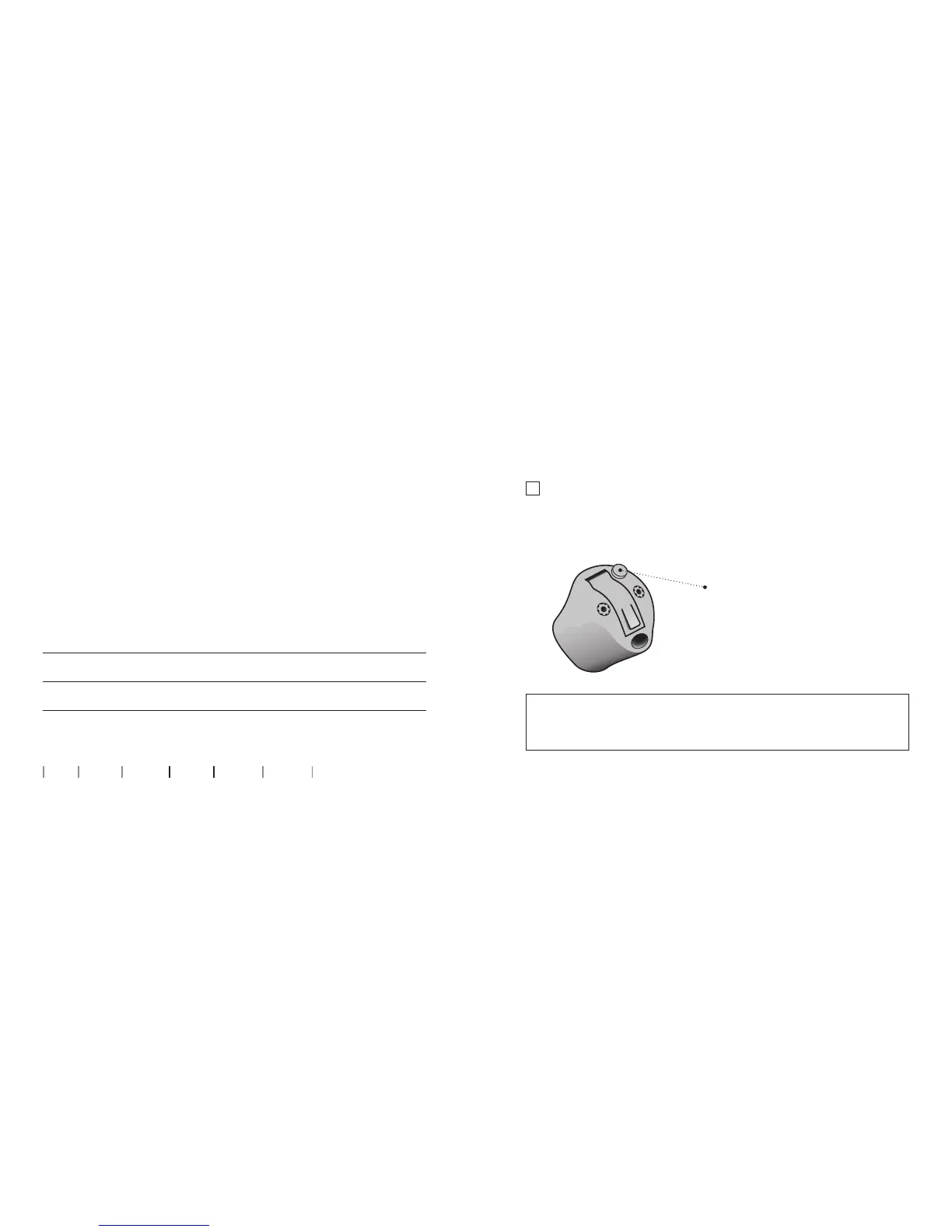
Mute the hearing hearing aid (optional)
Use the mute function if you need to silence the hearing aid while
wearing it.
IMPORTANT NOTICE
Do not use the mute function as an o switch, as the hearing aid still
draws current from the battery in this mode.
Apply a very long press to
the push button to mute the
hearing aid. To reactivate the
hearing aid, push the button
briey.
About Start up Handling Options Warnings More info









 To Next Page