32 33
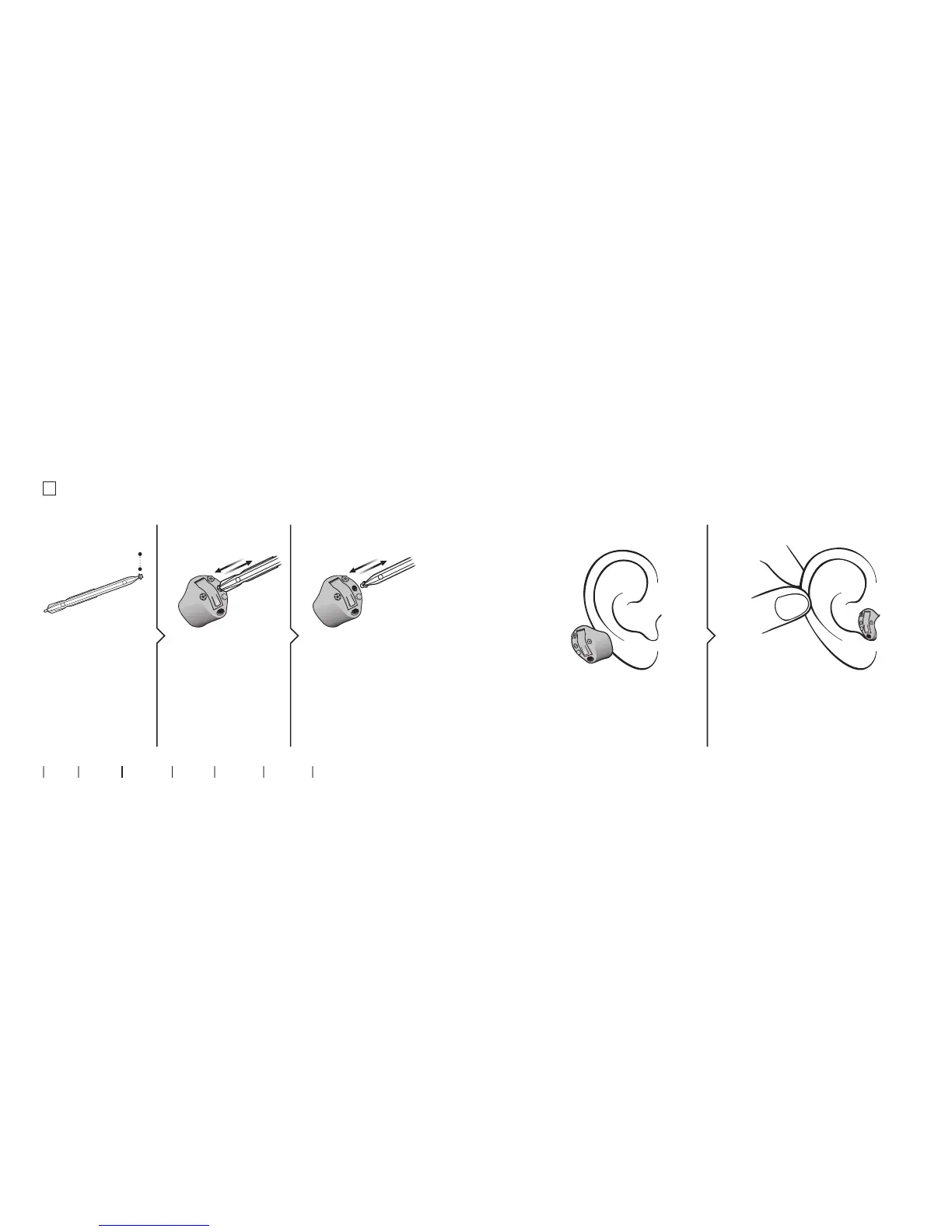
Replace O-Cap lter
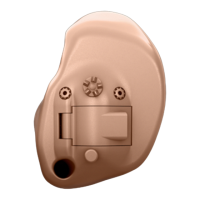
(hearing aids with 312 and 13 batteries)
2. Remove 3. Insert
Remove the tool from
the packaging. The
tool has two ends,
one for removal and
one with the new
O-Cap lter.
Push the pointed end
of the tool into the
existing O-Cap lter
and pull it out.
Insert the new O-Cap
lter using the other
end of the tool, remove
the tool and throw it
out.
1. Tool
About Start up Handling Options Warnings More info
new lter
Insert the hearing aid
Hold the hearing aid with the
coloured dot facing upwards. Place
the tip of the hearing aid in your
ear canal.
Gently pull your ear outwards and
push the hearing hearing aid into the
ear canal, twisting slightly if neces-
sary. Follow the natural contour of
the ear canal.
Step 1 Step 2









 To Next Page