Things to remember
• Inspect the skin around your abutment every day. If any soreness, redness, irritation or
swelling occurs, contact your clinic for advice and potential treatment.
• When checking your abutment, make sure no hair is caught around it.
• If you experience any numbness around the abutment, don’t be concerned. This is not
uncommon in the period after surgery; usually this will subside after some time.
• If for any reason your abutment or implant should become loose, contact your clinic.
Living with your Ponto System
• Never place a traditional bone conductor or sound processor on a soft band, head band or
test band on top of your new abutment, implant or sleeper implant.
• If you take off your sound processor for any length of time, it is possible to protect the
abutment with the special cover provided. This will both conceal it and keep it clean.
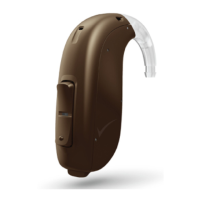
• Always keep your sound processor in its case when not wearing it.
• If you ever need an MRI scan (Magnetic Resonance Imaging), make sure to inform that you
have a bone anchored system when scheduling and visiting the MRI site. (For children and
mentally disabled persons this responsibility falls on the caregiver.) An MRI/Security control
information card comes with this guide. If you need a translation of the card to your
local language please visit www.oticonmedical.com.
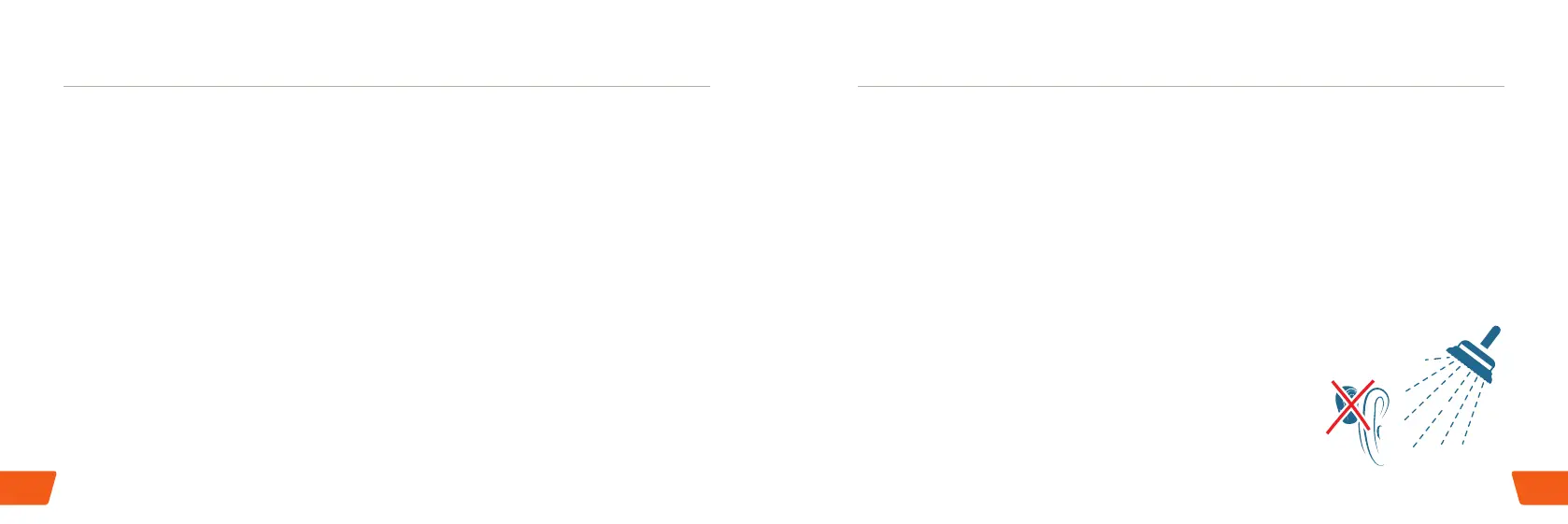
• Before bathing or showering, the best way to check that you
have removed your sound processor is to run your fingers
through your hair first. This is a good habit to develop!
8 9







 To Next Page