EasyManua.ls Logo

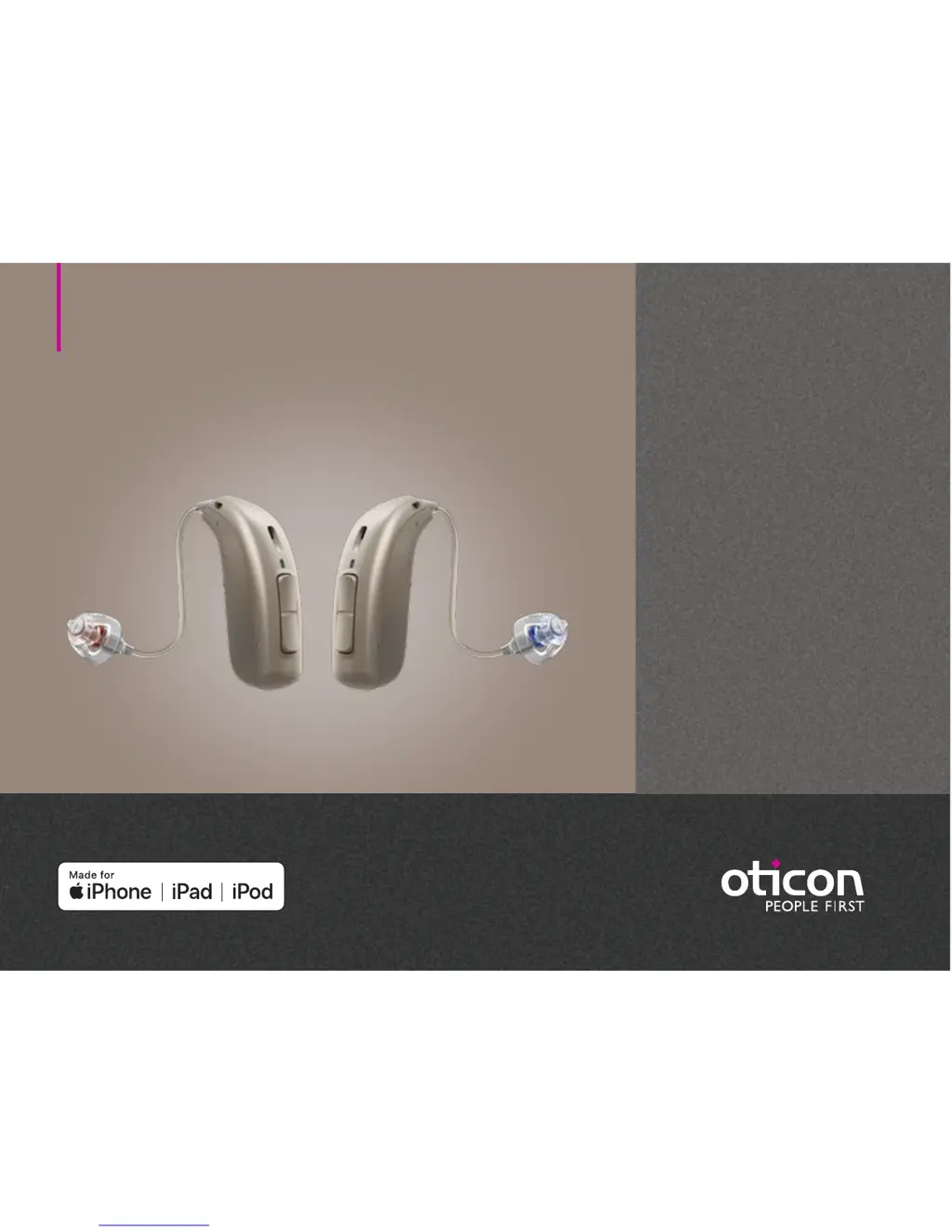
oticon Opn Play 2 miniRITE R - User Manual

oticon Opn Play 2 miniRITE R
42 pages
Print Icon
To Next Page IconTo Next Page
Loading...
Instructions for use
miniRITE R
Oticon Opn S™
Oticon Opn Play™

Questions and Answers

  • P
    pbrownAug 10, 2025
    What does it mean when oticon Opn Play 2 miniRITE R LED blinks red in charger?
    • M
      Mary WeberAug 10, 2025
      If the LED on your Oticon Hearing Aid blinks red when placed in the charger, it indicates a system error. Contact your hearing care professional.
  • I
    Ivan McleanAug 15, 2025
    How to fix Oticon Hearing Aid pairing issue with Apple device?
    • M
      Mary RodriguezAug 15, 2025
      If you're experiencing pairing issues with your Oticon Hearing Aid and an Apple device, it could be due to a failed Bluetooth connection. To resolve this: 1) Unpair your hearing aid in your iPhone's settings (Settings > General > Accessibility > Hearing Devices > Devices > Forget this device). 2) Turn Bluetooth off and on again. 3) Turn off and then turn back on the hearing aid. Ensure only one hearing aid is paired. 4) Re-pair the hearing aid.
  • A
    Adam BurnettAug 22, 2025
    How to fix oticon Opn Play 2 miniRITE R Hearing Aid LED remains off in charger?
    • A
      anthonycooperAug 22, 2025
      If the LED on your Oticon Hearing Aid remains off when placed in the charger, make sure the charger is properly connected to a power source. The issue may also be that the hearing aid or charger is too warm or too cold; move them to a location with a temperature between +5 °C to +40 °C. If charging is incomplete due to room temperature, reinsert the hearing aid into the charger to complete charging within +35 °C. Also, check the charger slots for foreign objects.
  • B
    Brandy BradyAug 27, 2025
    What to do if oticon Opn Play 2 miniRITE R has intermittent or reduced sound?
    • S
      sjamesAug 27, 2025
      If your Oticon Hearing Aid sound is intermittent or reduced, it could be due to a clogged sound outlet. Try cleaning the mould or replacing the wax filter, dome, or Grip Tip. Another cause might be moisture; gently wipe the hearing aid and let it dry. Also, check if the hearing aid is out of power and needs charging.
  • J
    Justin VelasquezSep 3, 2025
    Why my Oticon Hearing Aid is making a squealing noise?
    • W
      westmichaelSep 3, 2025
      If your Oticon Hearing Aid is making a squealing noise, it might be because the earpiece isn't inserted correctly; try re-inserting it. Another possibility is earwax accumulation in your ear canal, in which case you should have your ear canal examined by your doctor.

Summary

About Your Oticon Hearing Aid

Charging and Power Management

Summarizes how to charge the hearing aid and turn it on/off.

Getting Started: Setup and First Use

Charger Preparation and Hearing Aid Charging

Steps to prepare the charger and place hearing aids for charging.

Powering On;Off and Indicators

How to turn the hearing aid on/off and understand indicators.

Handling and Maintenance

Features, Customization, and Connectivity

Tinnitus SoundSupport Features

Important Safety Warnings

Tinnitus SoundSupport Specific Warnings

Potential risks associated with tinnitus sound generation.

General Safety and Device Precautions

Covers risks like swallowing parts, battery hazards, and proper usage.

Environmental and Usage Restrictions

Warnings about batteries, implants, heat, chemicals, and aircraft.

oticon Opn Play 2 miniRITE R Specifications

General IconGeneral
Brandoticon
ModelOpn Play 2 miniRITE R
CategoryHearing Aid
LanguageEnglish

Related product manuals