EasyManua.ls Logo

oticon Opn 2 - User Manual

oticon Opn 2
35 pages
Print Icon
To Next Page IconTo Next Page
Loading...
Instructions for use
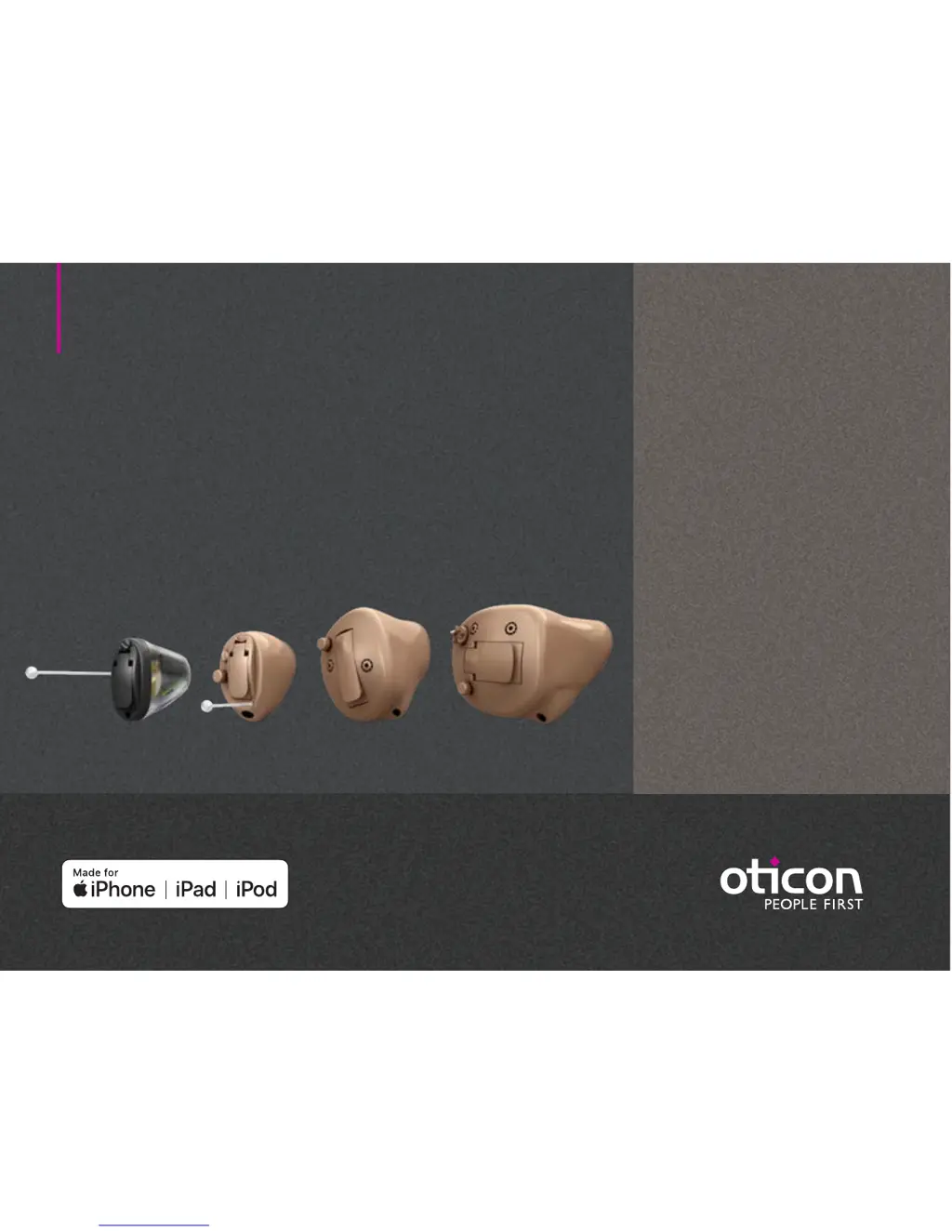
IIC-CIC-ITC
ITE HS-ITE FS
Oticon Opn
Oticon Siya

Questions and Answers

  • R
    Ryan UnderwoodAug 10, 2025
    Why is there no sound in my oticon Opn 2?
    • R
      Robert PhillipsAug 10, 2025
      If there is no sound in your Oticon Hearing Aid, the cause may be a worn-out battery, which means you should replace it. It could also be due to a clogged sound outlet, which requires cleaning the sound outlet or replacing the wax filter. Another possibility is a clogged microphone inlet, so you should clean the microphone inlet or replace the filter (T-Cap or O-Cap). Finally, check if the hearing aid microphone is muted and unmute it if necessary.
  • J
    Justin EvansAug 18, 2025
    What to do if my Oticon Hearing Aid has intermittent or reduced sound?
    • F
      fordamandaAug 18, 2025
      If your Oticon Hearing Aid has intermittent or reduced sound, the cause may be a clogged sound outlet. Clean the sound outlet or replace the wax filter. Moisture may also be the cause, so wipe the battery and hearing aid with a dry cloth. Finally, a worn-out battery can cause this problem, so replace the battery.
  • A
    Alexis CookeAug 26, 2025
    How to fix pairing issues with my oticon Opn 2 and Apple device?
    • D
      David HortonAug 26, 2025
      To fix pairing issues between your Oticon Hearing Aid and your Apple device: 1) Unpair your hearing aids (Settings?General?Accessibility?Hearing Devices?Devices Bluetooth connection failed ?Forget this device). 2) Turn Bluetooth off and on again. Only one hearing aid paired 3) Open and close battery drawer on hearing aids. 4) Re-pair hearing aids (see chapter: “Pair hearing aids with iPhone”).
  • H
    Heather ParkSep 2, 2025
    Why does my oticon Opn 2 make a squealing noise?
    • R
      Ronald SalinasSep 2, 2025
      If your Oticon Hearing Aid is making a squealing noise, it might not be inserted properly, so try re-inserting it. Alternatively, ear wax may have accumulated in your ear canal. In this case, have your ear canal examined by your doctor.

Summary

Intended use

Identify left and right hearing aid

Multi Tool for handling batteries and cleaning

Turn the hearing aid on and off

Replace the battery

How to replace the battery

Step-by-step instructions for removing, uncovering, inserting, and closing the battery drawer.

Insert the hearing aid

Remove your hearing aid

Caring for your hearing aid

Filter replacement

Flight mode

Change programs

Change volume with push button

Change volume with volume wheel

Mute the hearing aid

Use hearing aids with iPhone, iPad, and iPod touch

Pair hearing aids with iPhone

Tinnitus SoundSupport (optional)

Guidelines for tinnitus sound generator users

Sound options and volume adjustment

Change Tinnitus SoundSupport Volume (Push Button)

Change Tinnitus SoundSupport Volume (Volume Wheel)

Hearing aid with Bluetooth

Limitation on use time

Warnings related to Tinnitus

General warnings

Troubleshooting guide

Water & dust resistant (IP68)

Conditions of use

oticon Opn 2 Specifications

General IconGeneral
TypeBehind-the-ear (BTE)
Channels16
Wireless ConnectivityBluetooth
Water ResistanceIP68
TechnologyOpenSound Navigator
Battery Type312
Sound ProcessingOpenSound Navigator
Directional MicrophonesYes
Feedback ManagementYes
Tinnitus ManagementYes, with Tinnitus SoundSupport
Direct StreamingYes
Remote ControlYes
StylesBTE

Related product manuals