26 27
About Startup Handling Options Tinnitus Warnings More info
Flight mode
(hearing aids with Bluetooth and push-button)
When boarding an airplane or entering an area in which it is prohibited
to radiate radio signals, e.g. during ight, ight mode must be
activated. The hearing aid will still be working. It is only necessary to
activate ight mode on one hearing aid, to turn o Bluetooth on both
hearing aids. If your hearing aid does not have a push-button you need
to turn o your hearing aid.
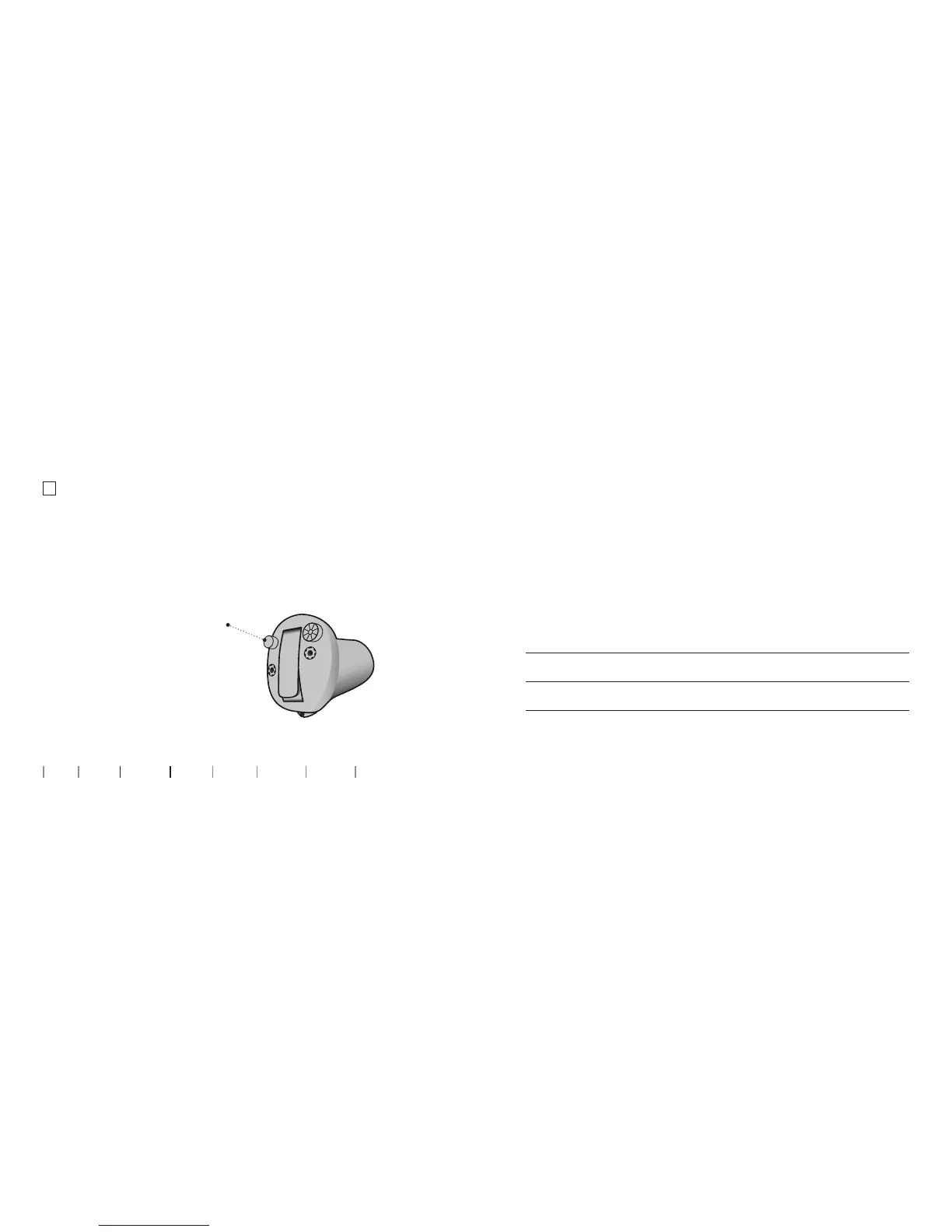
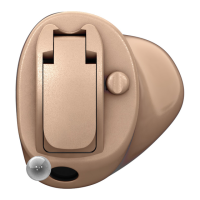
To activate and deactivate
Press the push button for
at least 7 seconds. A jingle
conrms your action.
Opening and closing the
battery drawer will also
deactivate ight mode.
Optional features and accessories
The features and accessories described on the following pages are
optional. Please contact your hearing care professional to nd out
how your hearing aid is programmed.
If you experience dicult listening situations, a special program may
be helpful. These are programmed by your hearing care professional.
Write down any hearing situations in which you may need help.




 To Next Page