EasyManua.ls Logo

oticon Opn 3 - User Manual

oticon Opn 3
98 pages
Print Icon
To Next Page IconTo Next Page
Loading...
Instructions for use
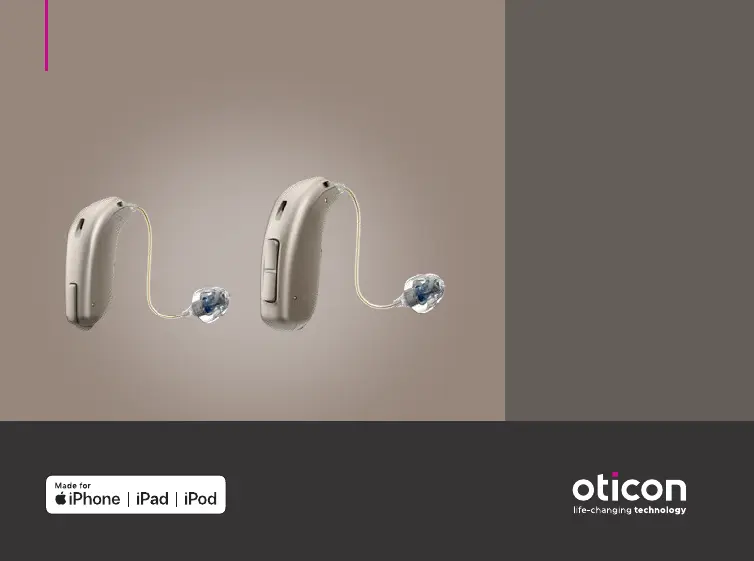
miniRITE
miniRITE T
Oticon Opn™
Oticon Opn S™
Oticon Opn Play™
Oticon Siya
Oticon Ruby

Questions and Answers

  • N
    Norman ChapmanAug 13, 2025
    Why is there no sound coming from my Oticon Hearing Aid?
    • A
      Andrew BarrAug 13, 2025
      If your Oticon Hearing Aid has no sound, the battery may be dead, so replace it. Also, ensure the hearing aid microphone is not muted. Other solutions include cleaning the earmold or MicroMold, replacing the wax filter, or considering replacing the dome or GripTip.
  • S
    Shannon BartlettAug 16, 2025
    What to do if my oticon Opn 3 has intermittent or reduced sound?
    • A
      andrealvaradoAug 17, 2025
      To address intermittent or reduced sound in your Oticon Hearing Aid, clean the earmold or MicroMold, replace the wax filter, or change the dome or GripTip. If moisture is the issue, wipe the battery with a dry cloth.
  • T
    Tammy MurphyAug 20, 2025
    How to fix oticon Hearing Aid with no sound?
    • M
      Michael ParkerAug 20, 2025
      If your Oticon hearing aid has no sound, the possible causes and solutions are: * A dead battery: Replace the battery. * Hearing aid microphone muted: Unmute the hearing aid microphone. * Clean earmold or MicroMold or replace wax filter. * Consider to replace dome, or GripTip.
  • C
    Crystal BoothAug 25, 2025
    Why is my oticon Hearing Aid squealing?
    • J
      Jennifer GreenAug 25, 2025
      If your Oticon hearing aid is producing a squealing noise, here's what might be happening and how to address it: * The earpiece may be inserted incorrectly. Try re-inserting the earpiece. * Earwax may have accumulated in your ear canal. Have your ear canal examined by your doctor. * Your ear may have grown. Contact your hearing care professional.
  • D
    Dr. Alan Dunn PhDAug 27, 2025
    How to fix pairing issue with oticon Hearing Aid on Apple device?
    • J
      Jacqueline MyersAug 27, 2025
      To address pairing issues with your Oticon Hearing Aid and an Apple device, here are some steps you can take: 1. Unpair your hearing aid. 2. Turn Bluetooth off and on again. 3. Open and close the battery drawer on your hearing aid. If only one hearing aid paired, re-pair your hearing aid.
  • D
    Debbie MataAug 31, 2025
    What to do if oticon Opn 3 has intermittent or reduced sound?
    • E
      efrankAug 31, 2025
      If your Oticon hearing aid has intermittent or reduced sound, the issues and solutions are: * Clogged sound outlet: Clean earmold or MicroMold, replace wax filter or change dome or GripTip. * Moisture: Wipe battery with a dry cloth.
  • S
    Sheila ClarkSep 4, 2025
    Why does my oticon Opn 3 make a squealing noise?
    • C
      Cynthia HendersonSep 4, 2025
      If you are experiencing a squealing noise from your Oticon Hearing Aid, re-insert the earpiece, as it may have been inserted incorrectly. If the issue persists, have your ear canal examined by your doctor to check for earwax accumulation. It's also possible that your ear has grown, in which case you should contact your hearing care professional.
  • W
    Wendy JuarezSep 8, 2025
    What to do if my oticon Hearing Aid has intermittent sound?
    • T
      Timothy RamosSep 8, 2025
      If you're experiencing intermittent or reduced sound in your Oticon Hearing Aid, it could be due to a clogged sound outlet. Try cleaning the mould or replacing the wax filter, dome, or Grip Tip. Another potential cause is moisture; if this is the case, wipe the battery with a dry cloth.

Summary

Safety Warnings and Precautions

Warnings for Users Under 18

Advises medical consultation for individuals under 18 before using the hearing aid.

General Safety Advisories

Covers output limits, hearing protection, stuck pieces, and adverse event reporting.

Tinnitus SoundSupport Safety Warnings

Specific safety concerns and potential effects of Tinnitus SoundSupport use.

Choking Hazards and Battery Safety

Hazards associated with small parts, batteries, and their safe handling and disposal.

Implant and Interference Precautions

Advice on active implants, magnets, and avoiding electromagnetic interference.

Intended Use and Setup

Turning the Hearing Aid On and Off

Steps to turn the hearing aid on and off using the battery drawer.

Battery Replacement Guide

Signals for battery replacement and step-by-step replacement instructions.

Wearing the Hearing Aid

Instructions on how to properly put on the hearing aid.

Daily Care and Maintenance

Features and Customization

Volume and Program Adjustment

How to adjust volume and change hearing programs on the aid.

Tinnitus Management

Tinnitus SoundSupport Overview

Introduction to Tinnitus SoundSupport as a tinnitus management tool.

Tinnitus SoundSupport User Guidelines

Instructions for users regarding the evaluation and fitting of Tinnitus SoundSupport.

Troubleshooting and Technical Information

Settings and Data

oticon Opn 3 Specifications

General IconGeneral
Fitting RangeMild to severe hearing loss
Battery Size312
Wireless ConnectivityYes
Number of Channels16
Feedback CancellationYes
Noise ReductionYes
Directional MicrophonesYes
BluetoothYes
RechargeableNo
Tinnitus MaskingYes
Sound Processing Channels16
Tinnitus SoundSupportYes
Water ResistanceIP68
StyleReceiver-in-canal (RIC)
Battery LifeApproximately 5-7 days

Related product manuals