EasyManua.ls Logo

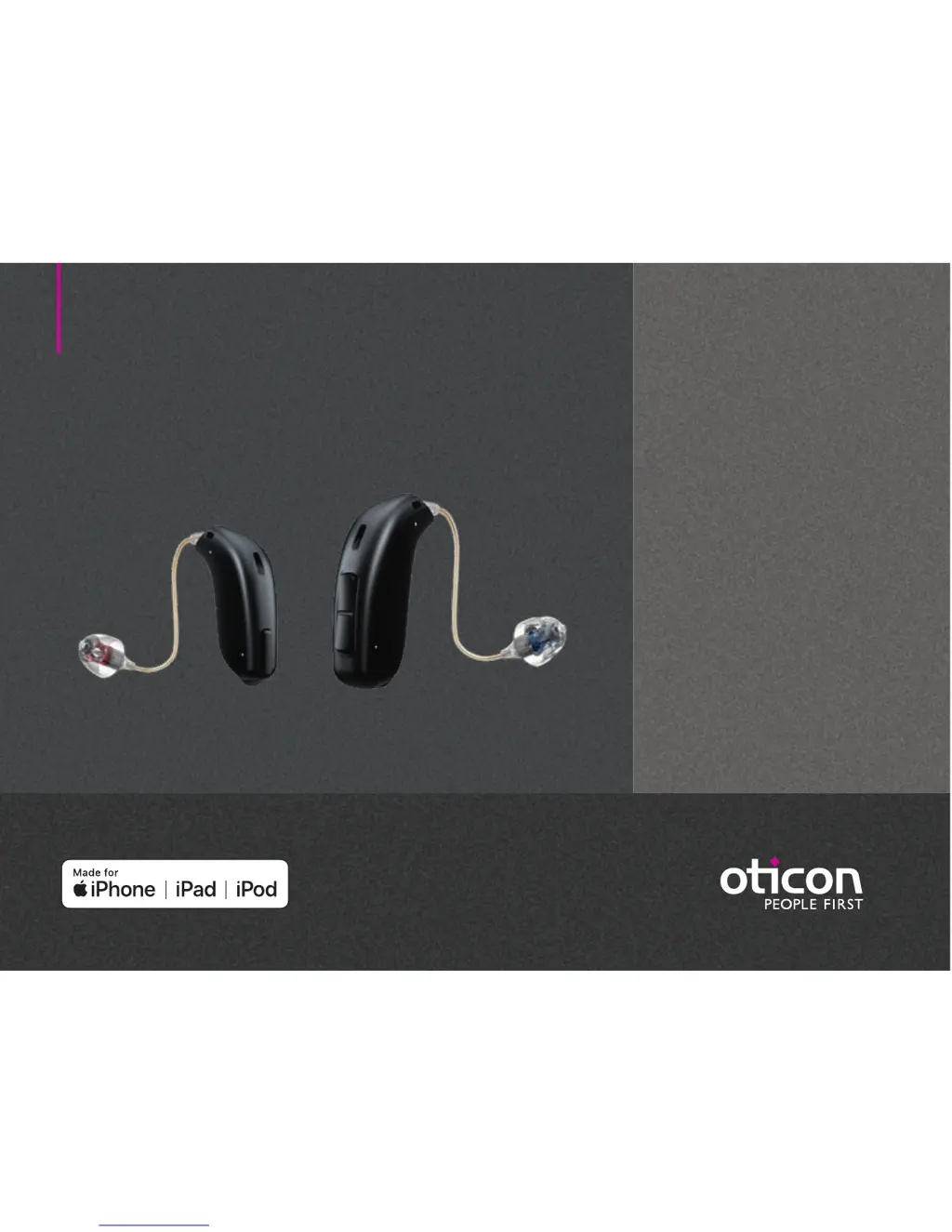
oticon Opn 3 miniRITE - User Manual

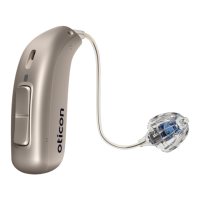
oticon Opn 3 miniRITE
42 pages
Print Icon
To Next Page IconTo Next Page
Loading...
Instructions for use
miniRITE
miniRITE T
Oticon Opn
Oticon Siya

Questions and Answers

  • A
    Alexis HollandAug 6, 2025
    How to fix oticon Opn 3 miniRITE Hearing Aid with no sound?
    • Q
      qreidAug 6, 2025
      If your Oticon Hearing Aid isn't producing any sound, the most likely cause is a dead battery, so try replacing it. Alternatively, the earpieces (dome, Grip Tip, or mold) might be clogged; in this case, replace the wax filter, dome, or Grip Tip. Finally, check if the hearing aid microphone is muted and unmute it.
  • A
    aimee62Aug 10, 2025
    Why my oticon Opn 3 miniRITE Hearing Aid has no sound?
    • J
      julie65Aug 10, 2025
      If your Oticon Hearing Aid has no sound, first, replace the battery. If the issue persists, the earpieces (dome, Grip Tip, or mould) might be clogged; in that case, replace the wax filter, dome, or Grip Tip. Also, ensure that the hearing aid microphone is not muted, and if so, unmute it.
  • T
    Teresa SmithAug 15, 2025
    What to do if my oticon Opn 3 miniRITE has intermittent sound?
    • D
      Danielle RivasAug 15, 2025
      If your Oticon Hearing Aid has intermittent or reduced sound, it might be due to a clogged sound outlet. Clean the mould or replace the wax filter, dome, or Grip Tip. Another potential cause is moisture; if this is the case, wipe the battery with a dry cloth.
  • C
    cody67Aug 19, 2025
    How to fix oticon Opn 3 miniRITE pairing issue with Apple device?
    • M
      Michael MooreAug 19, 2025
      To address pairing issues with your Oticon Hearing Aid and an Apple device: 1) Unpair your hearing aid by navigating to Settings?General?Accessibility?Hearing Devices?Devices Bluetooth connection failed ?Forget this device. 2) Turn Bluetooth off and then on again. 3) Open and close the battery drawer on the hearing aid. 4) Re-pair the hearing aid.
  • J
    John PayneAug 23, 2025
    What to do if oticon Opn 3 miniRITE sound is intermittent?
    • D
      Donald BrownAug 23, 2025
      If your Oticon Hearing Aid sound is intermittent or reduced, it could be due to a clogged sound outlet. Try cleaning the mold or replacing the wax filter, dome, or Grip Tip. Moisture can also cause this issue; wipe the battery with a dry cloth. Also, check the battery; a dead battery can cause intermittent sound, so replace it if necessary.
  • S
    Suzanne MillsAug 27, 2025
    Why is my oticon Opn 3 miniRITE making a squealing noise?
    • C
      Charles WilliamsonAug 28, 2025
      If your Oticon Hearing Aid is making a squealing noise, it might be because the earpiece is not inserted correctly. Try re-inserting the earpiece. Another possible cause is earwax accumulated in your ear canal, in this case, you should have your ear canal examined by your doctor.
  • C
    Christine TorresSep 1, 2025
    How to stop my oticon Opn 3 miniRITE from squealing?
    • K
      Kelly CooperSep 1, 2025
      If your Oticon Hearing Aid is producing a squealing noise, try re-inserting the earpiece, as it may have been inserted incorrectly. If the problem continues, consult your doctor to have your ear canal examined for earwax accumulation.

Summary

Daily Operation and Maintenance

Turn Hearing Aid ON and OFF

Explains how to switch the hearing aid on and off using the battery drawer.

How to Replace Battery (Size 312)

Provides step-by-step instructions for replacing a size 312 battery.

Features and Connectivity

Change Volume miniRITE

Details how to adjust volume using the push button on the miniRITE.

Change Volume miniRITE T

Details how to adjust volume using the push button on the miniRITE T.

Change Program

Describes how to switch between different hearing aid programs.

Use Hearing Aids with Apple Devices

Guides on connecting and using hearing aids with iPhone, iPad, and iPod touch.

Pair Hearing Aids with iPhone

Step-by-step instructions for pairing hearing aids with an iPhone.

Tinnitus SoundSupport

Intended Use of Tinnitus SoundSupport

Explains the purpose of Tinnitus SoundSupport for temporary tinnitus relief.

Warnings Related to Tinnitus

Lists important warnings associated with using the tinnitus sound generator.

Safety and General Warnings

General Warnings

Provides critical general warnings for safe hearing aid use.

Usage of Hearing Aids

Emphasizes proper use and adjustment by a hearing care professional.

Choking Hazards & Battery Safety

Warns about risks of swallowing small parts and batteries.

Warning to Hearing Care Professional

Lists conditions requiring immediate physician consultation before dispensing.

Troubleshooting and Technical Data

oticon Opn 3 miniRITE Specifications

General IconGeneral
TypeHearing Aid
StyleminiRITE
Technology Level3
Channels12
Battery TypeSize 312
Wireless ConnectivityBluetooth
Rechargeable OptionNo
TelecoilYes
TechnologyOpenSound Navigator
Water ResistanceIP68

Related product manuals