EasyManua.ls Logo

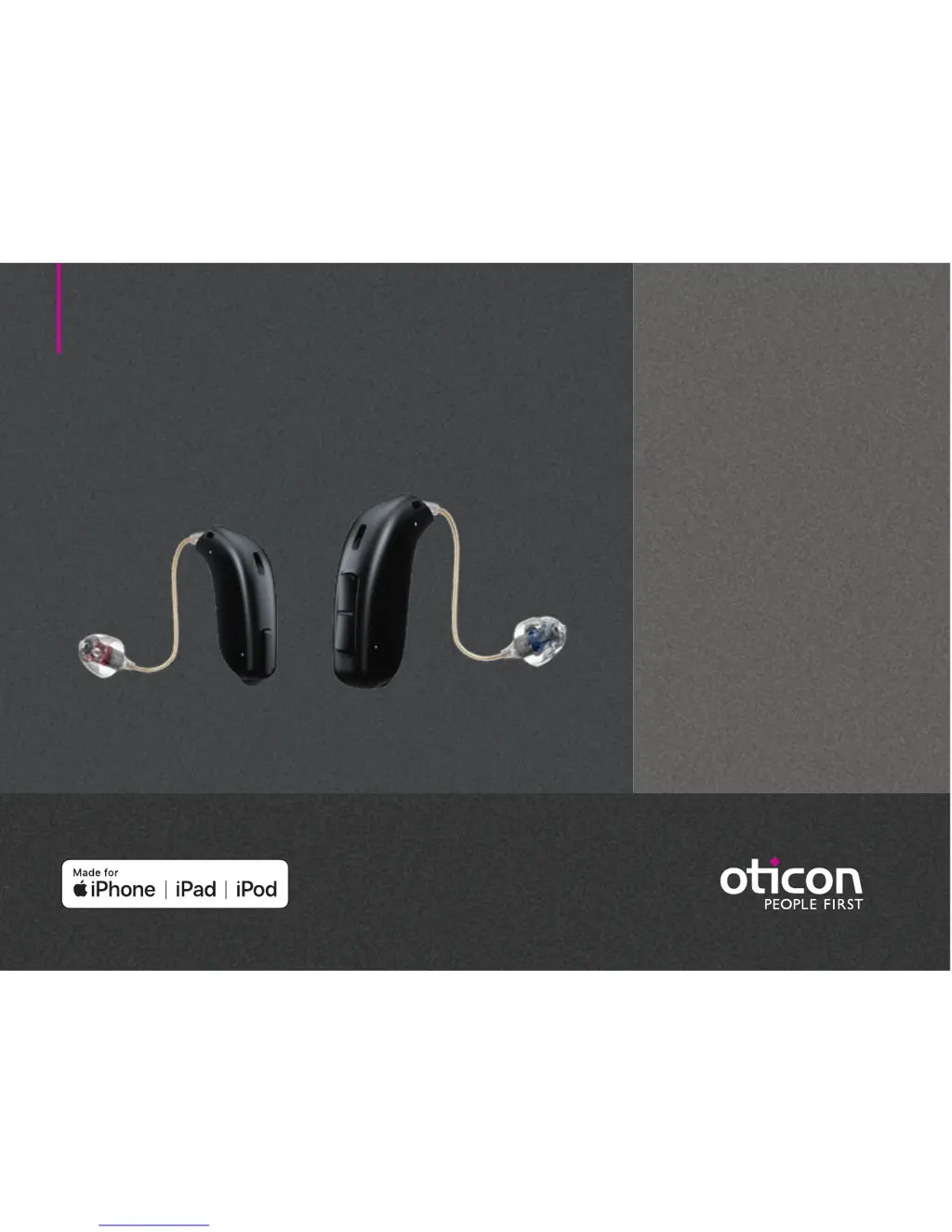
oticon Opn 1 miniRITE - User Manual

oticon Opn 1 miniRITE
42 pages
Print Icon
To Next Page IconTo Next Page
Loading...
Instructions for use
miniRITE
miniRITE T
Oticon Opn
Oticon Siya

Questions and Answers

  • S
    Sherry LangAug 10, 2025
    How to fix oticon Opn 1 miniRITE with no sound?
    • M
      Michael PriceAug 10, 2025
      If your Oticon Hearing Aid isn't producing any sound, the most likely cause is a dead battery, so try replacing it. Alternatively, the earpieces (dome, Grip Tip, or mold) might be clogged; in this case, replace the wax filter, dome, or Grip Tip. Finally, check if the hearing aid microphone is muted and unmute it.
  • B
    Bryan RussellAug 20, 2025
    What to do if oticon Hearing Aid sound is intermittent?
    • S
      stevensonmelissaAug 20, 2025
      If your Oticon Hearing Aid sound is intermittent or reduced, it could be due to a clogged sound outlet. Try cleaning the mold or replacing the wax filter, dome, or Grip Tip. Moisture can also cause this issue; wipe the battery with a dry cloth. Also, check the battery; a dead battery can cause intermittent sound, so replace it if necessary.
  • J
    Jason GarciaAug 29, 2025
    Why is my oticon Opn 1 miniRITE making a squealing noise?
    • M
      Ms. Lisa MunozAug 29, 2025
      If your Oticon Hearing Aid is making a squealing noise, it might be because the earpiece is not inserted correctly. Try re-inserting the earpiece. Another possible cause is earwax accumulated in your ear canal, in this case, you should have your ear canal examined by your doctor.

Summary

Intended Use

Initial Setup and Tools

Getting Started: Power and Battery

Turn Hearing Aid On and Off

Instructions on how to power the hearing aid on and off using the battery drawer.

When to Replace Battery

Learn to recognize the signals indicating the need to replace the hearing aid battery.

Handling and Maintenance

How to Replace Battery (Size 312)

Step-by-step guide for replacing the size 312 battery in the hearing aid.

Options and Features

Pair Hearing Aids with iPhone

Step-by-step guide to pairing your hearing aids with an iPhone.

Tinnitus Management

Tinnitus SoundSupport Overview

Introduction to Tinnitus SoundSupport, its intended use, and target population.

Tinnitus Sound Generator User Guidelines

Instructions and advice for users of tinnitus sound generator features.

Warnings and Safety

Warnings Related to Tinnitus

Important warnings and potential concerns associated with Tinnitus SoundSupport.

General Warnings

Essential general safety warnings for hearing aid use and handling.

Troubleshooting and Technical Information

Troubleshooting Guide

Solutions for common symptoms and issues encountered with the hearing aid.

Your Individual Hearing Aid Settings

Technical Data

Technical Data: Coupler 60

Detailed specifications for hearing aids with 2CC Coupler 60.

Technical Data: Coupler 85

Detailed specifications for hearing aids with 2CC Coupler 85.

Technical Data: Coupler 100

Detailed specifications for hearing aids with 2CC Coupler 100.

Technical Data: Coupler 105

Detailed specifications for hearing aids with 2CC Coupler 105.

oticon Opn 1 miniRITE Specifications

General IconGeneral
Brandoticon
ModelOpn 1 miniRITE
CategoryHearing Aid
LanguageEnglish

Related product manuals