20
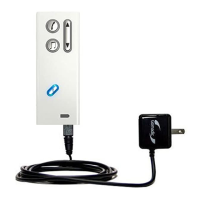
Included in the package, you will also find a USB cord that can be used to connect and
charge Streamer from a PC, allowing for frequent charging in the office.
The battery status indicator flashes RED when the battery is very low. The battery low
condition is also acoustically indicated by two beeps in the hearing instruments. Always
charge the battery when the status indicator starts to flash red.
– When charging, the status indicator flashes GREEN.
– When fully charged the status indicator shows a fixed green light.
– When unplugging the fully charged Streamer from the charger, the status indicator will
switch off.


 To Next Page