40
Listening tip
When audio streaming is started, the microphones in your hearing instruments are
normally switched on, allowing you to hear surrounding audio or speech as well. To only
focus on the streamed audio, you can switch off the hearing instrument microphones
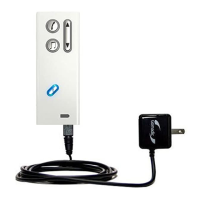
by pressing Streamer Up-Down button for 2 seconds.
WARNING:
Excessive and continuous listening to loud music might damage you hearing over time
and should be avoided.


 To Next Page