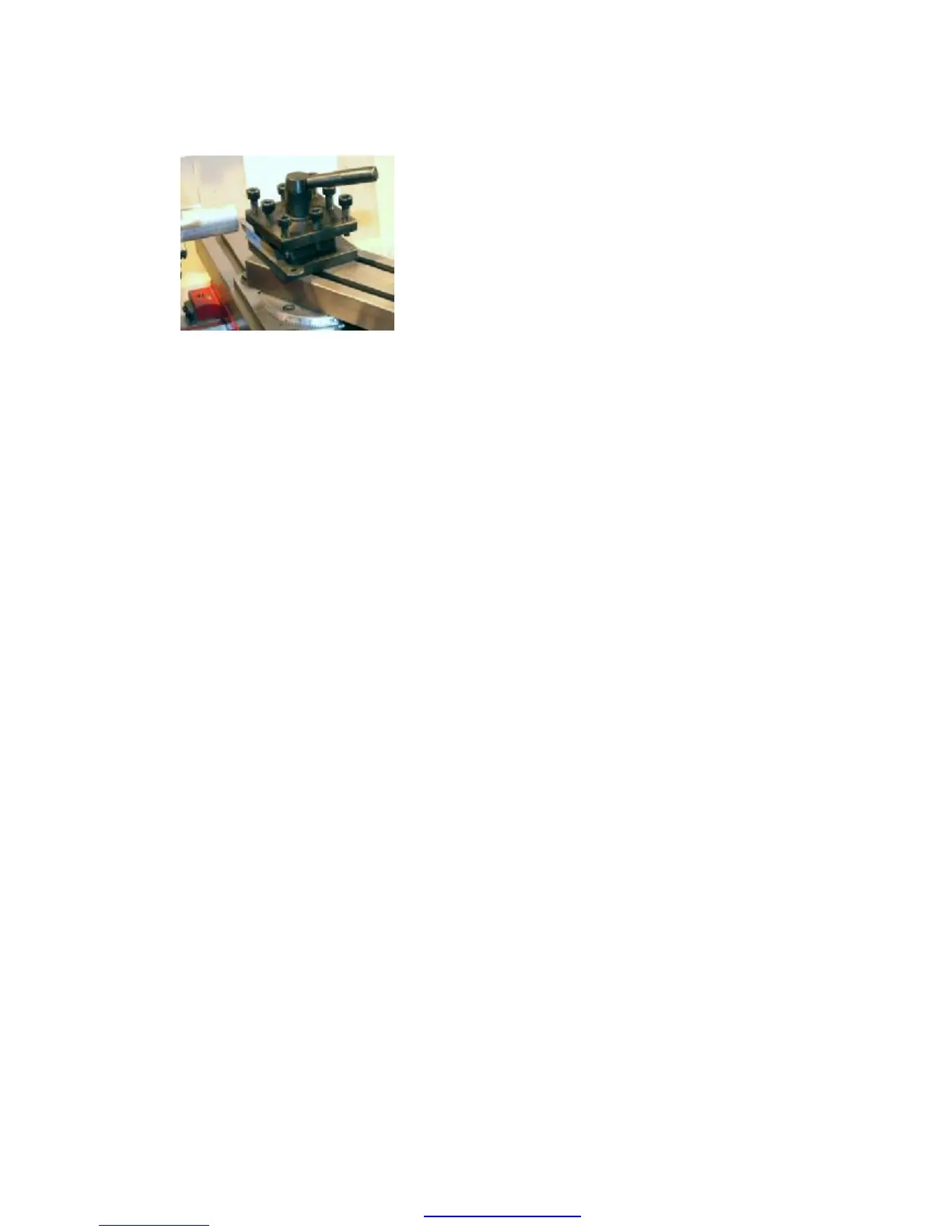
Tool positioned for a facing cut
Following is a step-by-step procedure for
making a facing cut.
1. Insert a piece of round stock in the chuck
as described in Stock Preparation above.
2. Select a cutting tool suitable for a facing
operation and mount it in the toolholder
using shims if necessary to bring the tip of
the tool even with the lathe centerline.
3. Loosen the compound lock screws and
adjust the angle of the compound so that it
reads 30° on the protractor, lining up with
the reference mark on the left side of the
compound. The exact angle is not critical.
Tighten the compound lock screws.
4. Verify that the workpiece is secure in the
chuck and that there are no tools, shards of
material or other hazards near the chuck.
5. Loosen the toolpost handle and adjust the
angle of the toolholder relative to the
workpiece. The left side of the cutting tool
should be at about a 10° angle to the face
of the workpiece.
6. Verify that the tool is securely held in the
toolholder and that the tool holder is
tightened down.
7. Use the carriage handwheel and cross-
slide handwheel to move the tip of the
cutting tool close to and at a glancing angle
to the end of the workpiece.
8. Use a 4mm hex wrench to lock the carriage
lock.
9. Verify that the Emergency Stop button is in
the unlocked (outward) position and that
the chuck safety shield is in the lowered
position. The lathe will not start unless
these conditions are met.
10. Turn on the power to the lathe if it is not
already on, then press the green Start
button on the control panel. Verify that the
chuck is rotating counterclockwise
(Forward on the digital display).
11. Advance the cross-slide until the tip of the
cutting tool begins to make a shallow cut
across the face of the workpiece. If
necessary use the compound feed
handwheel to move the tip slightly to the
left to make contact with the end of the
workpiece.
12. Once the tip of the cutting tool makes
contact, continue turning the cross-slide
handwheel to move the tip of the tool
across the center of the workpiece. Turn at
a slow, even pace – about one rotation per
second. Once the center is crossed, rotate
the cross-slide handwheel
counterclockwise to withdraw the tool back
beyond the edge of the workpiece.
13. Use the compound handwheel to advance
the tool 10 divisions, then use the cross-
slide handwheel to once again move the
tool across the face of the workpiece,
removing a thin layer of metal.
14. After crossing the center of the workpiece,
withdraw the tool until it clears the front
edge of the workpiece.
15. Press the Stop button on the control panel
Caution: the edge of a facing cut can be very
sharp. Avoid touching the sharp edge.
At this point you should have a smooth even
face on the workpiece. If there is a small nub at
the center, the tip of the cutting tool is either
too high or too low. Usually the nub will appear
cylindrical if the tool is too low and cone-
shaped if the tool is too high. To correct this
condition, add or remove shims underneath the
tool to bring the tip of the cutting tool in line
with the center of the workpiece face.
PDF created with pdfFactory Pro trial version www.pdffactory.com


 To Next Page