Need help?
Do you have a question about the Ourmeter LCD-S900 and is the answer not in the manual?
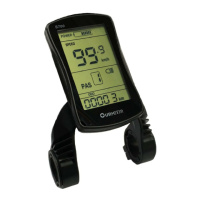
Shows real-time speed, average speed, max speed, trip, and odometer (ODO).
Displays battery level, assist level, head light status, and error codes.
Shows indicators for speed units (Km/h, MPH) and 6km mode.
Long press the MODE button for 3 seconds to turn the display on or off.
Short press the MODE button to switch between ODO and TRIP distance displays.
Use the UP and DOWN buttons to change the assist level (0-5).
Long press a button to turn the head light on or off.
Engage 6km/h mode by long pressing when the bike is stopped.
Set the speed limit from 15 to 45Km/h using UP/DOWN buttons.
Reset all parameters to default values by long pressing for 5 seconds.
Lists common error codes (e.g., motor error, battery low) and their meanings.
 General
| Brand | Ourmeter |
|---|---|
| Model | LCD-S900 |
| Category | Bicycle Accessories |
| Language | English |

 To Next Page