10
I
I
n
n
s
s
t
t
a
a
l
l
l
l
i
i
n
n
g
g
t
t
h
h
e
e
P
P
o
o
w
w
e
e
r
r
C
C
a
a
b
b
l
l
e
e
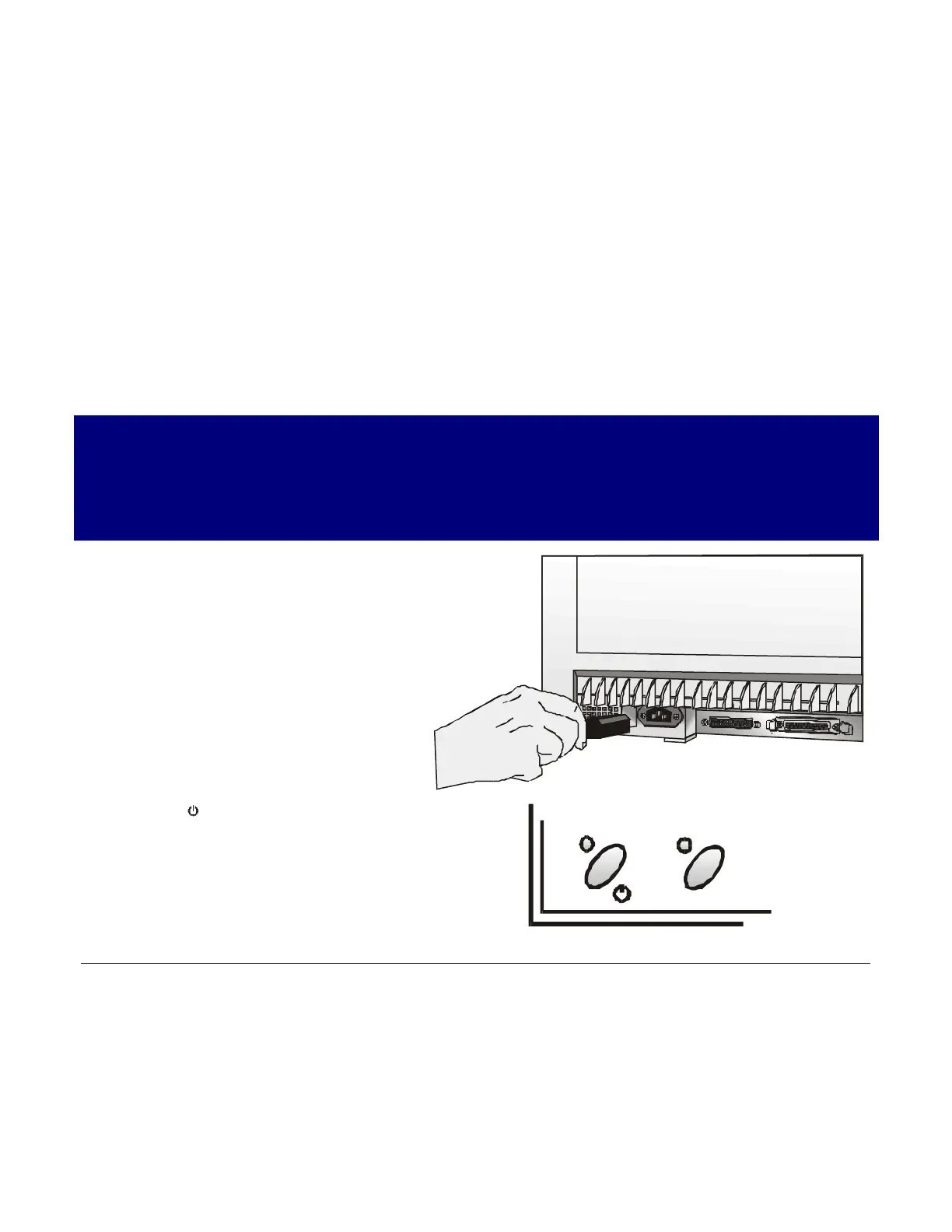
1. Find the power cable connector and the rating plate on the rear side of the printer.
Make sure that your power supply matches the power rating of the printer.
In case the power rating does not correspond DO NOT CONNECT THE PRINTER TO THE
MAINS. Consult your dealer for help.
Always use a grounded outlet.
2. Insert the power cable into the
connector on the printer and the other
end into a convenient mains outlet.
3. Press the key on the operator panel
to power the printer on.
LQ



 To Next Page