52
T
T
r
r
o
o
u
u
b
b
l
l
e
e
s
s
h
h
o
o
o
o
t
t
i
i
n
n
g
g
C
C
l
l
e
e
a
a
r
r
i
i
n
n
g
g
P
P
a
a
p
p
e
e
r
r
J
J
a
a
m
m
s
s
The straight paper path of this printer is designed for trouble-free handling of a great variety of
documents.
In case a paper jam condition occurs, proceed as follows:
1. Open the printer cover.
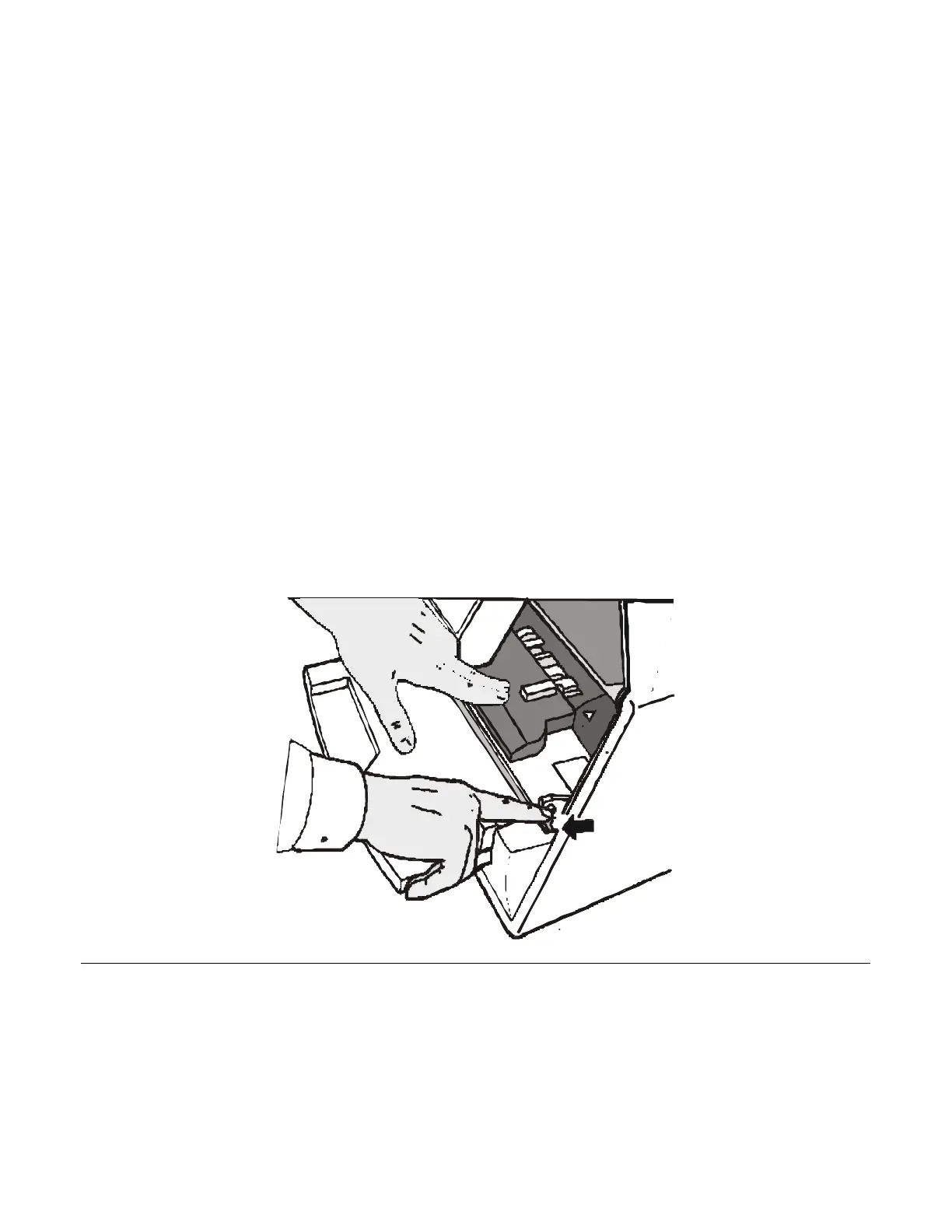
2. Pull the lever on the right inner side of the printer towards the printer front side to open the
paper path and with the other hand hold the paper path cover.



 To Next Page