13
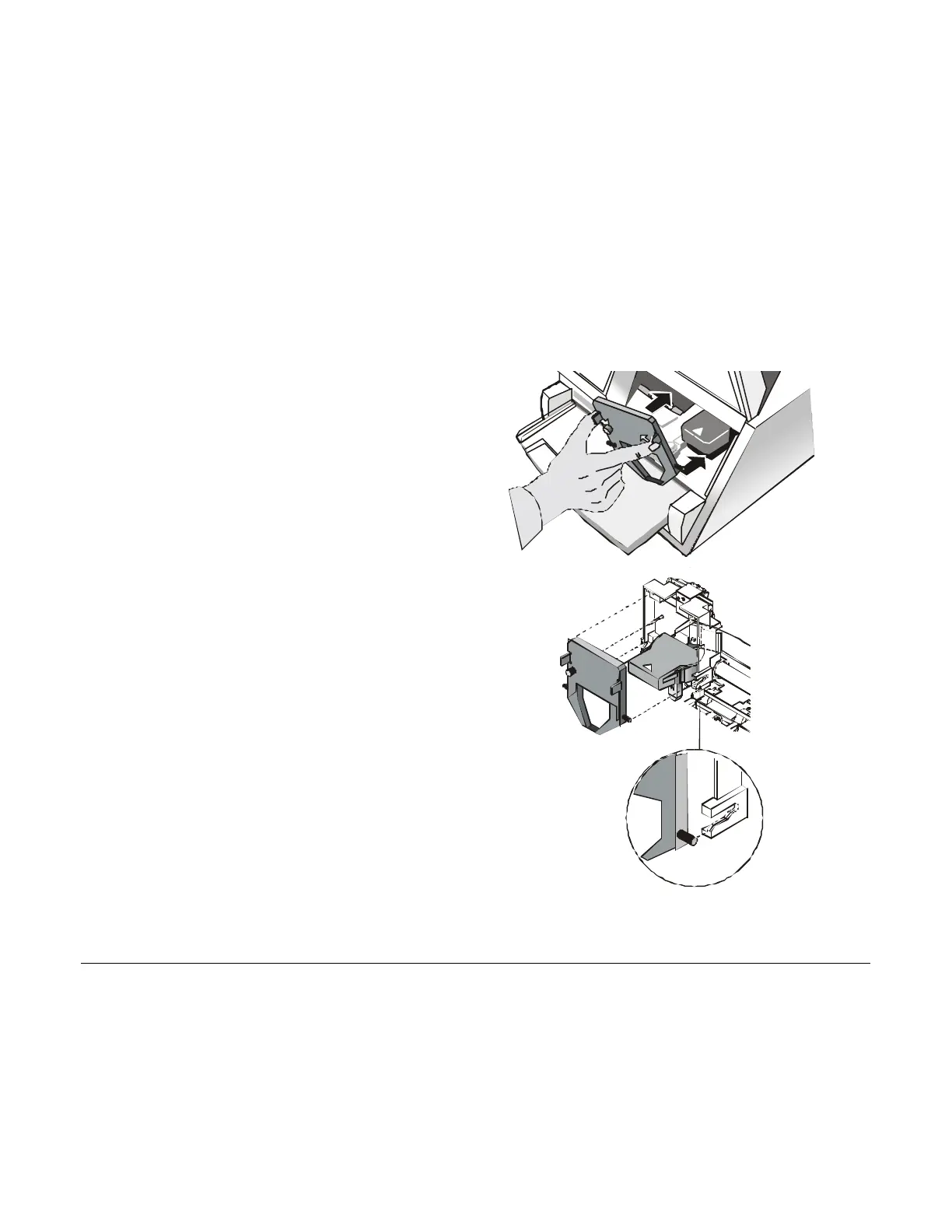
3. Hold th
e ribbon cartridge slightly inclined
with the ribbon mask in front of the print
head.
4.
Insert the ribbon cartridge into the print
head carriage, leading the cartridge pins
into the fixing guides. In this way you
assure the correct ribbon mask position in
front of the print head. Push the cartridge
onto the print carriage until it clicks into
place.
5. Turn the tension knob in the direction of the arrow to tighten the ribbon.
6. Close the printer cover.



 To Next Page