15
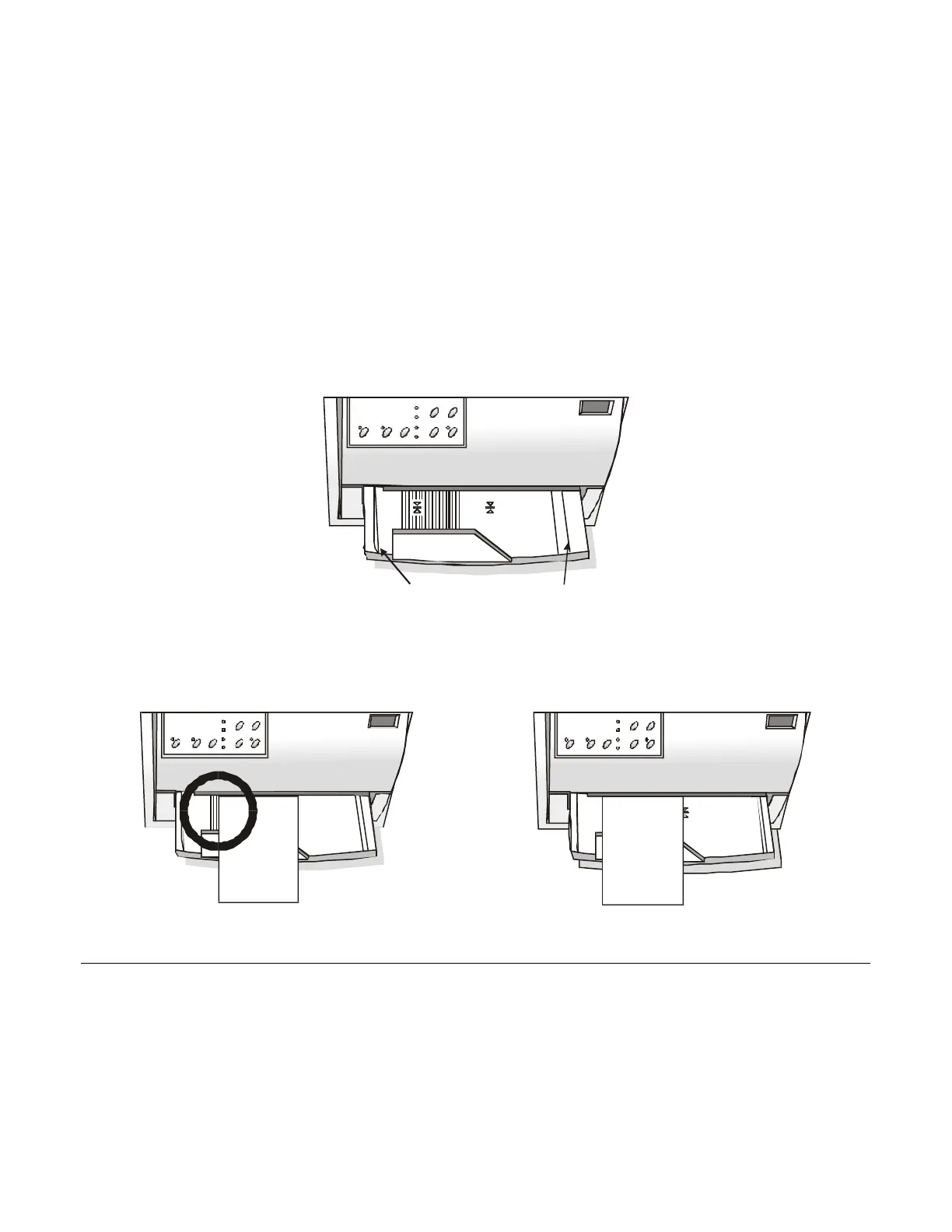
When inserting the paper into the printer, keep the following points in mind:
• The document may not exceed the limits of the paper stand.
Left Limit
Right Limit
• The documents having a width of at least 90 mm must be inserted on the left hand side over the
grooved area on the paper stand.
The documents must cover the whole grooved area, otherwise the printer will not accept the
paper.
NO
OK



 To Next Page