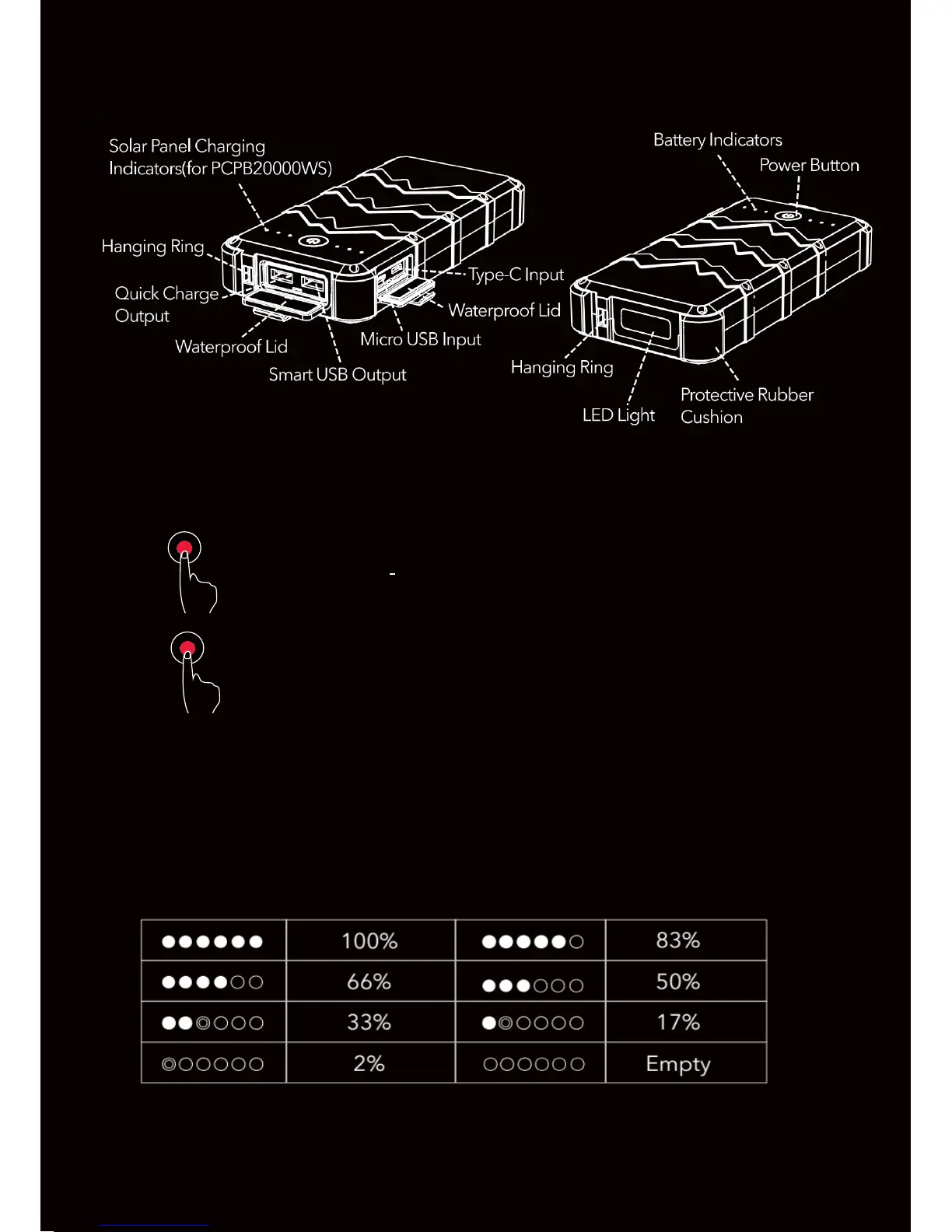
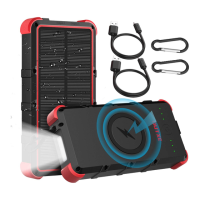
Product Overview
Solar Panel Charging Indicators ( for PCPB100
How to Use the LED Flashlight
Double click the power button to turn the
X2
light on, and turn the light off in any mode.
X1
Press the power button in succession to
toggle from strong light to weak light, to SOS.
Indicator Instructions
This power bank has 6 LED indicators. When the first indicator
starts flashing, please charge the power bank. When the last
indicator i s red, the solar panel is charging.


 To Next Page