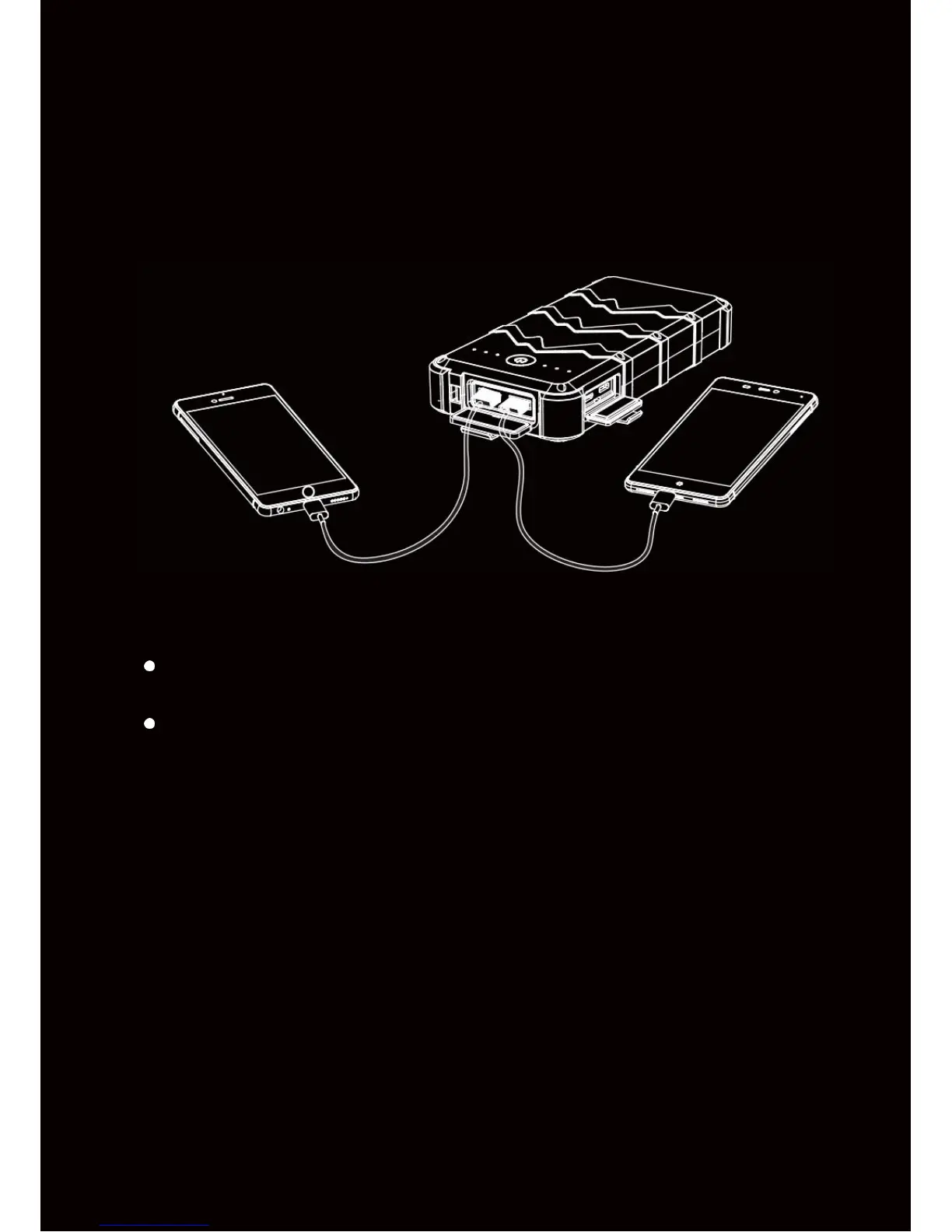
How to Charge Your Device
No need to press the power button. The OUTXE power bank detects and
charges for any connected device, instantly. When the power bank is fully
charged or the
connected device is removed, the unit will turn off within 30
seconds.
Notes
Please close the waterproof lid when u n i t i s
not in use, to prevent water
from getting into the product.
The latest smart technology is inside every OUTXE power banks, so it
can automatically detect and deliver the optimal charge current for any
connected device to ensure an
efficient
and
safe charge.
Self-Protection and Restore
This product is CE, FCC, RoHS certified and its
built-in multiple circuit
protection prevents the product from over-charging, over-discharging, over-
heating and makes it
immune to any kind of short circuits.
If the product enters to self-protection mode (all indicators start to flash),
please remove the connected device and restore the power bank by
charging it with a charger right away.


 To Next Page