EN
Before every use
1. Make sure the remote control and drone are fully charged.
2. Make sure the propellers have been properly installed.
3. Make sure the motors operate property after unlocking the drone.
4. Make sure the camera lens is not dirty.
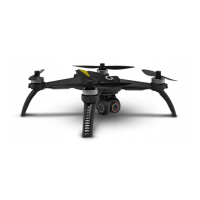
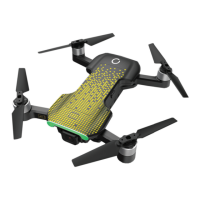
Description: drone (fig.1)
1. On/o switch
2. Status LED
3. Propeller
4. Battery
5. Camera
6. Lower LEDs
7. Vision camera
Description: controller (fig. 2)
1. Photo/video
2. Left bar
3. Lock/unlock
4. Drone return key – RTH
5. Right bar
6. On/o switch
7. LCD display
8. Quick start/landing key
9. Short press: sets Optical Flow mode. Long press: allows controlling the speed
10. GPS enabled/disabled
How to switch the drone on
Short-press the drone on/o switch (1 in fig. 1). The product will switch on and status LED
will go on.
To switch the product o, keep this key pressed for 3 seconds.
Flight modes
GPS mode
In this mode, the drone will use GPS signal to keep its position. If GPS signal is too weak, the
drone will switch into Optical Flow mode or maintain its previous altitude (you can check in
the application). This being the case, land as soon as possible. Do not fly in areas with high
risk of weak GPS signal.


 To Next Page