19
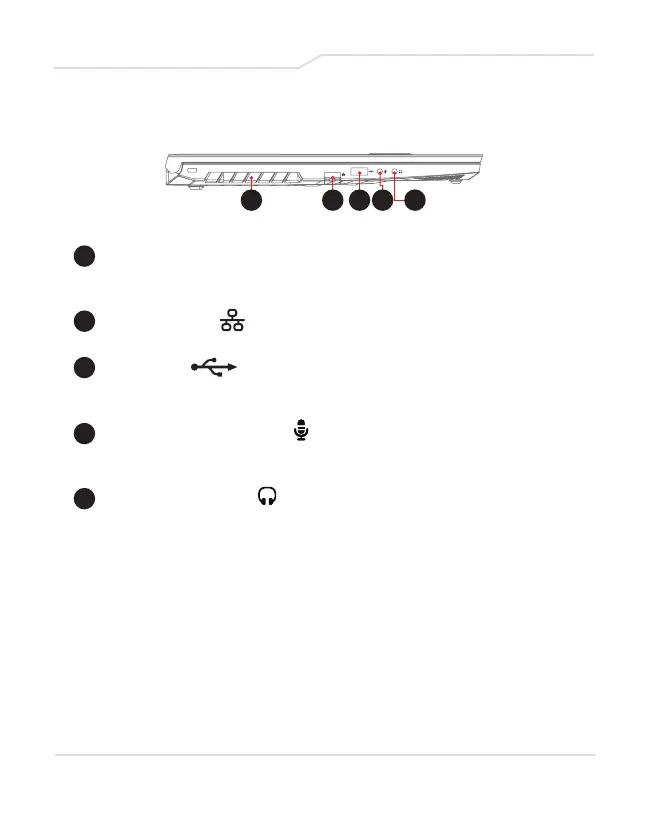
1 2 3 4 5
1 Vents
The thermal vents are designed to cool the internal
components and avoid overheating.
2 Network Jack
This jack lets you connect to a LAN.
3 USB Ports
Connects any USB device.
(such as USB Zip drive, keyboard or mouse).
4 Microphone Input Jack
Connects amplified speakers, headphones or microphone
into this jack.
5 Audio Output Jack
Connects amplified speakers, headphones or microphone
into this jack.
Left Side View



 To Next Page