3.3 Using the TouchPad/ClickPad
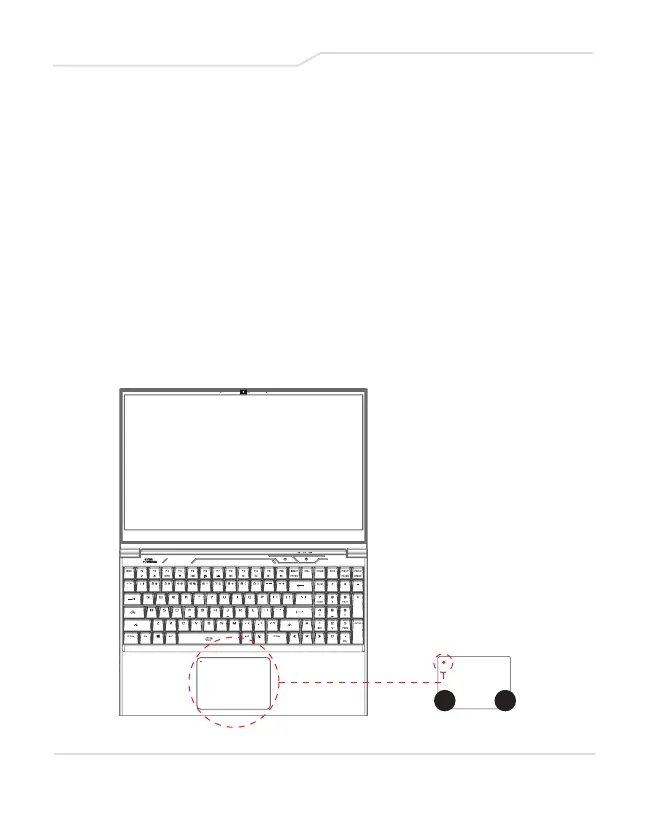
The TouchPad/ClickPad is a rectangular electronic panel
located just below your keyboard. Click twice within 0.5”x0.5”
of left corner to open or close (Green light) TouchPad
functionality. You can use the static-sensitive panel of the
TouchPad/ClickPad to slide and move the cursor.
Press the left (1) and right (2) buttons located on the edge of
the TouchPad/ClickPad to make selections and run
functions. Both buttons replicate to that of the left and right
buttons on a desktop mouse. Tapping on the
TouchPad/ClickPad will produce similar functions.
29
1 2
Clicking twice will
open (or close)
TouchPad
functionality



 To Next Page