NOTE: The power adapter can become hot
when in use. Please be sure the AC adapter is
not covered with any materials and kept away
from exposed parts of your body. The AC
adapter appearance may vary depending on
your region.
NOTE: The number of keys available on your
keyboard will depend on the country/region in
which the keyboard was designed and built.
25
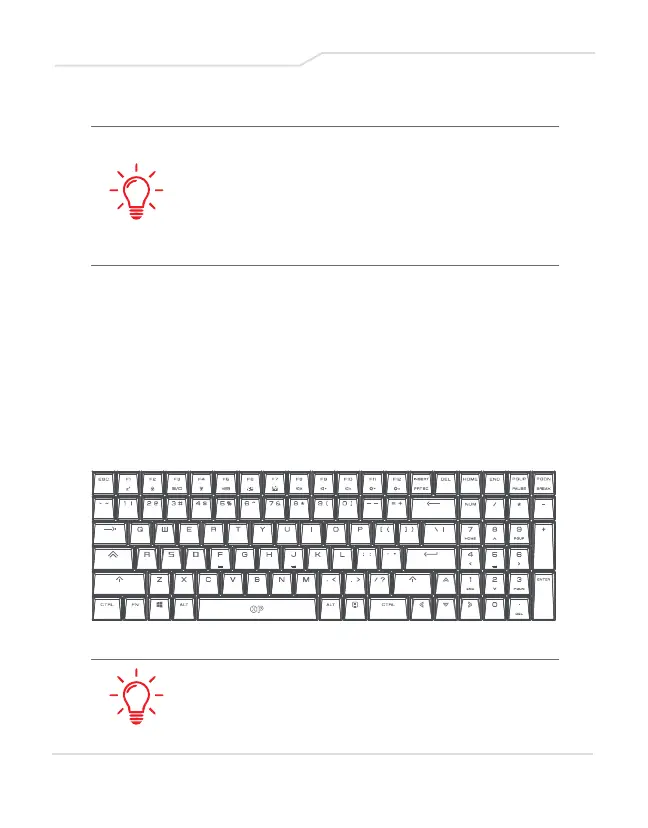
3.2 Knowing the Keyboard
The following defines the colored hot keys on the Keyboard.
The colored commands can only be accessed by first
pressing and holding the function key while pressing a key
with a colored command.



 To Next Page