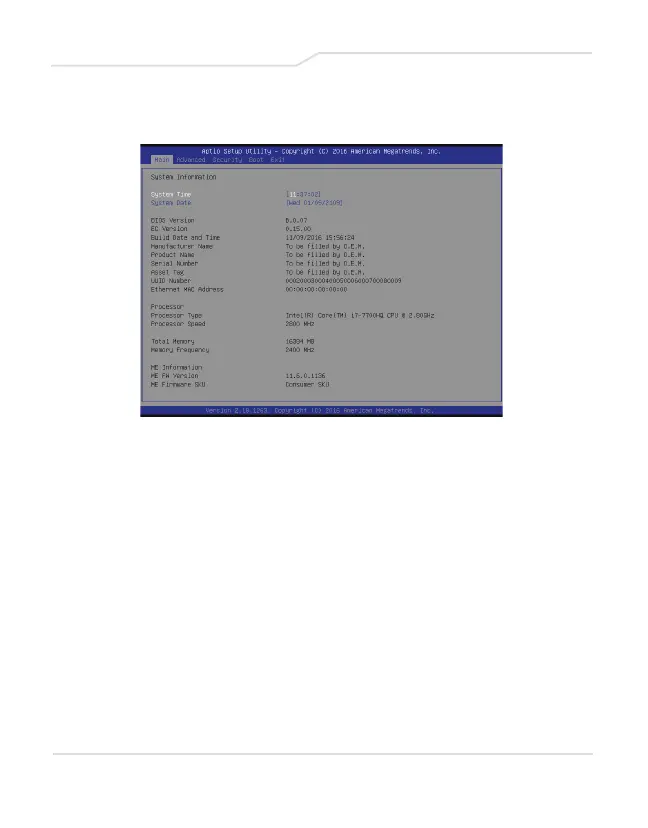
4.2.1 Main Menu
System Time
This item allows you to set the system time. There is a small
internal (CMOS) battery which is designed to maintain your
system clock. It is designed to maintain time even when the
PC is powered down or in sleep mode. The time format is
[hour:minute:second].
Use [+] or [-] to configure system Time.
System Date
This item allows you to set the system date. The date format
is [day:month:date:year].
Use [ENTER], [TAB] or [SHIFT-TAB] to select a field.
33



 To Next Page