To Next PageTo Next Page
 Need help?
Do you have a question about the OWC ThunderBay 4 mini and is the answer not in the manual?
Details necessary hardware and operating system specifications for the device.
Lists all items included in the ThunderBay 4 mini box.
Provides information on manual variations and warranty details.
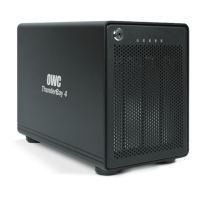
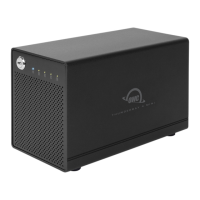
Describes the front panel components, including the locking faceplate and LED indicators.
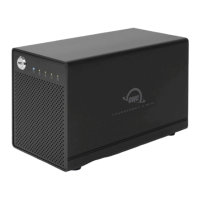
Explains the rear panel connections: security slot, Thunderbolt ports, and DC power input.
Offers important tips for using the device, including unmounting drives in macOS and Windows.
Provides a step-by-step guide for installing 2.5-inch drives into the enclosure bays.
Outlines the initial setup process, including connecting power, Thunderbolt, and drive formatting.
Explains the advantages and features of installing SoftRAID software for drive management.
Details how to add or remove drives from the enclosure without powering down the unit.
Guides users on identifying and replacing a failed drive using the installation steps.
Directs users to resources for formatting drives for Mac or Windows compatibility.
Offers initial steps for diagnosing and resolving common device issues.
Recommends strategies for data protection and backup to prevent loss.
Provides phone, email, and chat contact information for technical assistance.

 General