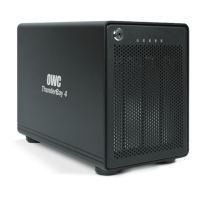
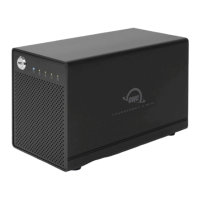
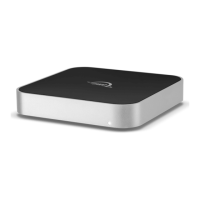
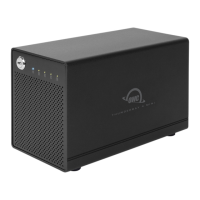
ThunderBay 4 mini – Thunderbolt 2
Contents
Introduction
1.1 Minimum System Requirements .............................................. 1
- Mac Requirements
- PC Requirements
1.2 Package Contents ..................................................................... 1
1.3 About This Manual .................................................................... 1
1.4 Front View .................................................................................. 3
1.5 Rear View ................................................................................... 3
1.6 Usage Notes .............................................................................. 4
Installation
2.1 Drive Installation ....................................................................... 5
2.2 Quick Start ................................................................................. 5
2.3 Why Install SoftRAID ................................................................. 6
2.4 Replacing Drives ........................................................................ 6
2.5 Drive Failure ............................................................................... 6
Support Resources
3.1 Formatting ................................................................................. 7
3.2 Troubleshooting ........................................................................ 7
3.3 About Data Backup ................................................................... 7
3.4 Contacting Technical Support .................................................. 7
CONTENTS


 To Next Page