12
2.SET UP (For Windows VISTA)
Windows VISTA
Pentium3, 1.0GHz or higher
256MB or higher
100MB or more
Super VGA (800x600) or higher
Color monitor with high color 16 bits or higher
OS :
CPU :
Memory :
Hardware Disk Space :
Display :
2-1.Hardware and system requirements
2-2.Install USB Driver
A.Insert the disk into your CD-ROM drive.
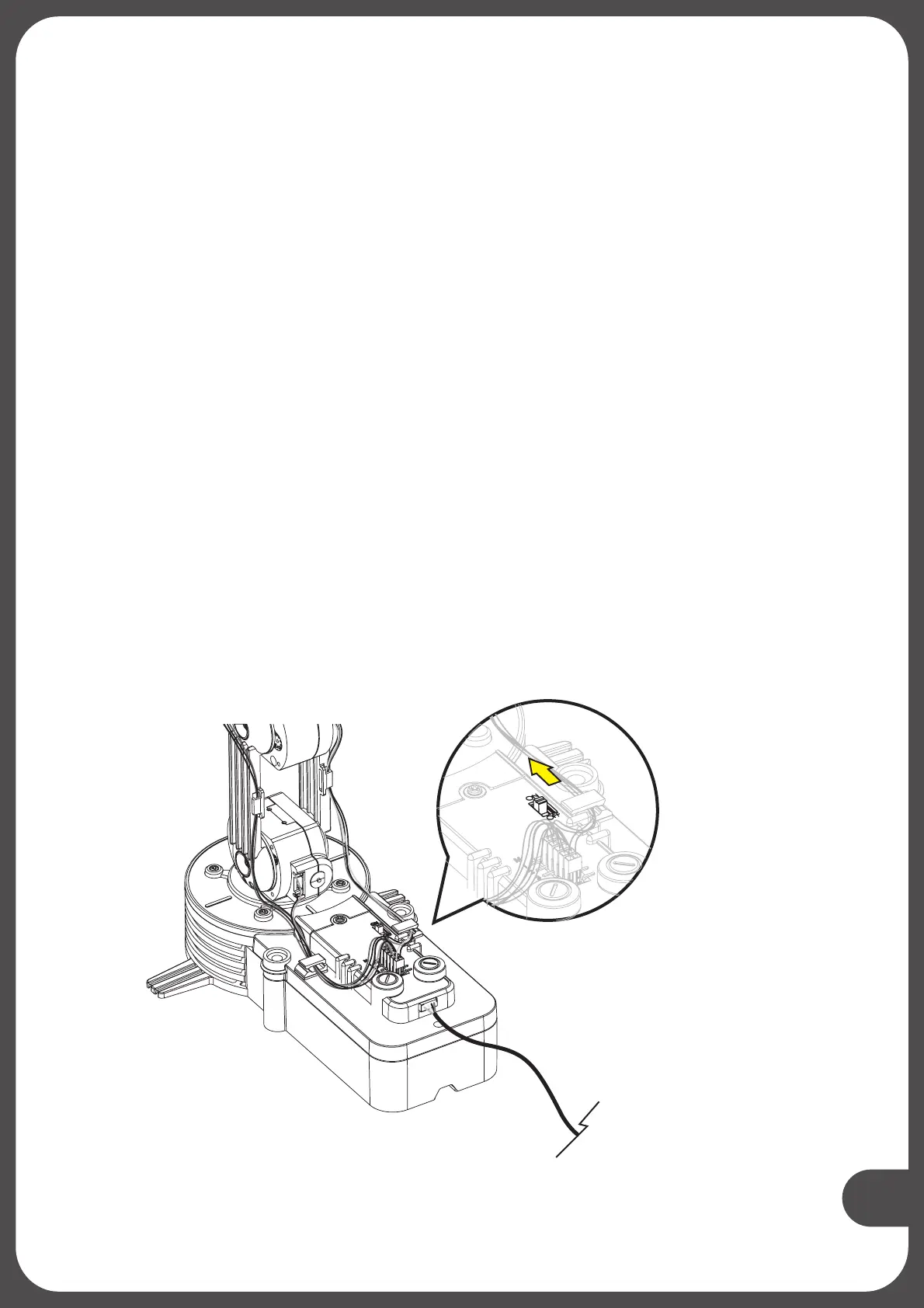
B.Connect Robotic Arm Edge and PC with the
C.Turn ON the Robotic Arm Edge.
USB cable.
Turn ON


 To Next Page