02
Windows XP
Pentium3, 1.0GHz or higher
256MB or higher
100MB or more
Super VGA (800x600) or higher
Color monitor with high color 16 bits or higher
OS :
CPU :
Memory :
Hardware Disk Space :
Display :
1.SET UP (For Windows XP)
1-1.Hardware and system requirements
1-2.Install USB Driver
A.Insert the disk into your CD-ROM drive
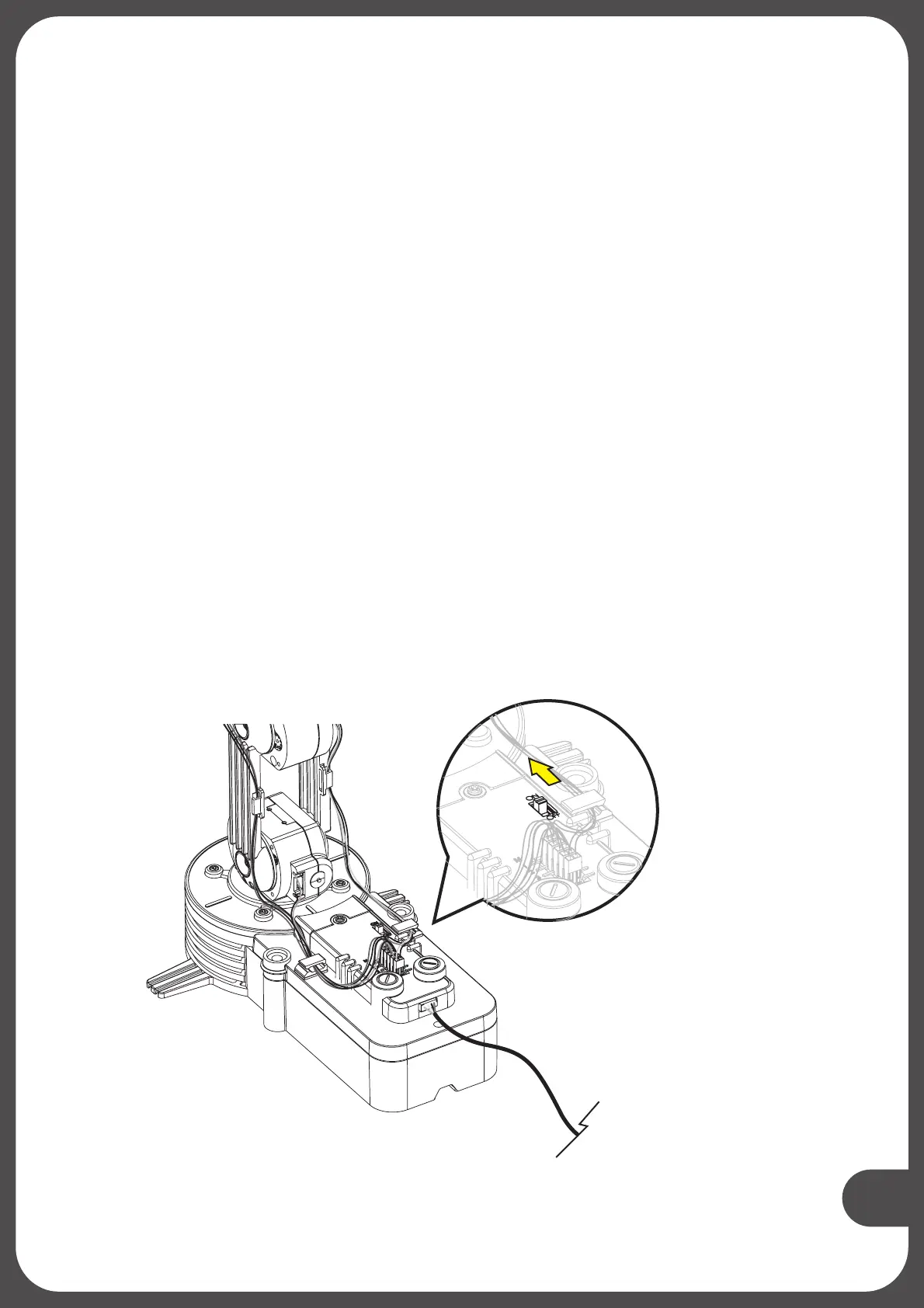
B.Connect Robotic Arm Edge and PC with the USB cable.
C.Turn ON the Robotic Arm Edge.
.
Turn ON


 To Next Page