< Data format:
Indication of --OK--
means:Received
signal is good
To return to the previous menu, press the by Dial wheel.<
Turn the Dial wheel to select and press it for application. You can view all the
parameters of the received signals, including BREAK, MaB, START CODE, CHAN TIME,
Period Time. The LCD window will dynamically show data timing information.
( Here the external connected DMX operator is also Sirocco. )
Data timing
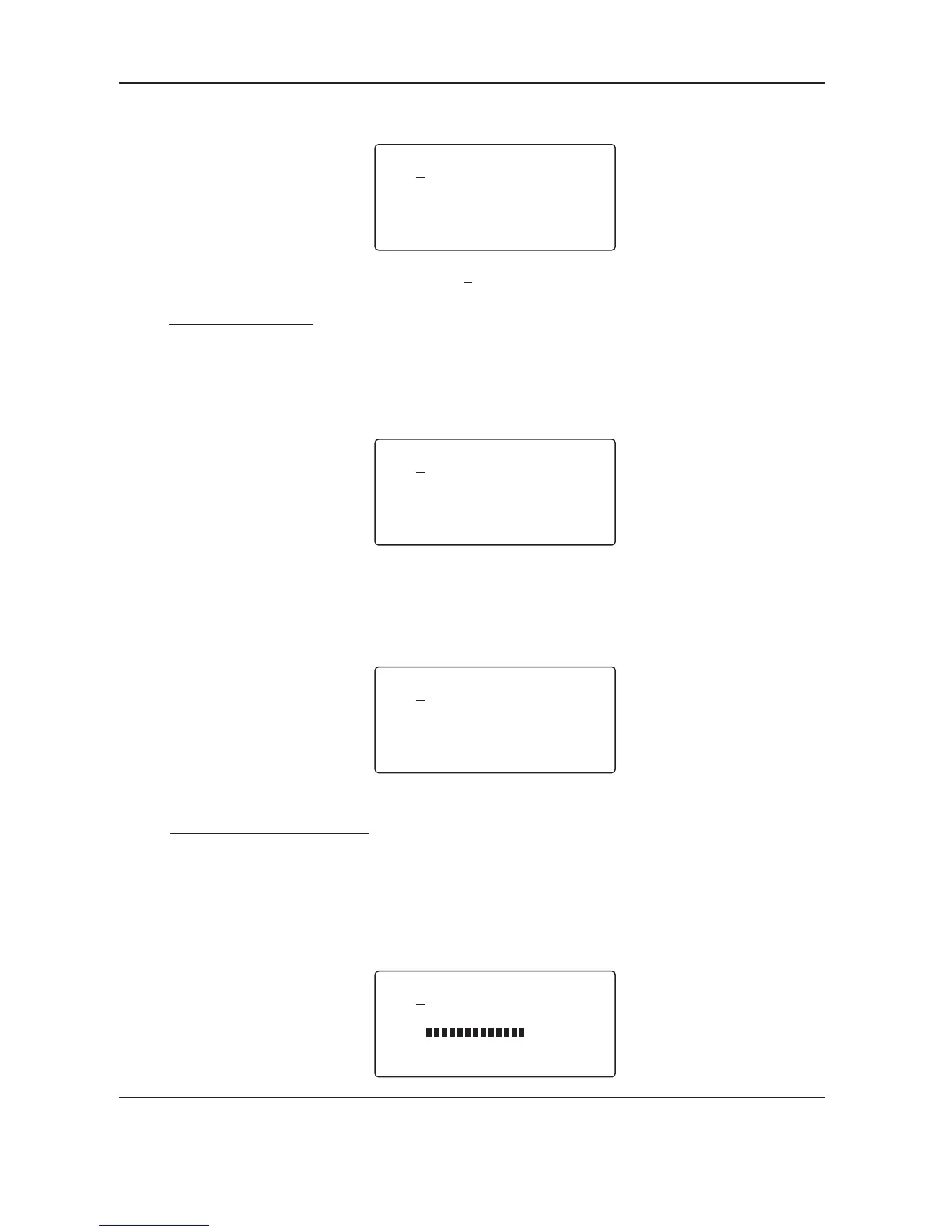
< Data timing: ?
BK: 135 s MaB:016 S
StartCode: 000 dec
Chan Time:053 s
uu
u
All the parameters can be
shown here.
Select > first and then press it can shift from Chan, Time to Period Time. In this case, the fourth
line of the LCD window shows the message " Period : 036 ms ".
Turn the Dial wheel to select and press it in the central place for
application.
The LCD window will dynamically shows the information of signal voltage .
( Here the external connected DMX operator is also Sirocco. )
3. Data level ( Volt )
Data level ( Volt )
< Data timing:
Break min.88 s
MaB min. 8 s
Chantime min. 44 s
u
u
u
< Data Level(Volt) ?
--Good-->
Level = 4.44V
...
For the further information, you may use the help function by pressing Dial wheel. The help
information shows as below.
2. Data timing
For the further information, you may use the help function by pressing Dial wheel. The help
information shows as below.
User's Instruction
Page 8
[T]Box-RDM

![OXO [T]Box RDM](https://data.easymanua.ls/logo/brand/6636/200x200/oxo.webp)

 To Next Page