Application and use
17
00010605 B 12
Note
The fan will only provide cooled air when LED Lc
is lit.
3.5 Extra water feed for use in extremely dry and/
or hot weather.
When the outside air is extremely dry and/or hot (e.g. in a desert climate), the water
in the heat exchanger will evaporate more quickly. The period of time during which
the OXYCELL is moistened must be reduced if the "extra water feed" setting has been
activated.
To do so simultaneously press the ON/OFF switch and the fan-switch for 4
seconds. (A tone confirms that the setting has been successfully activated)
Note
When the CABIN 400 is next turned off, the water feed setting reverts
to normal. The OXYCELL will then be moistened in the normal way.
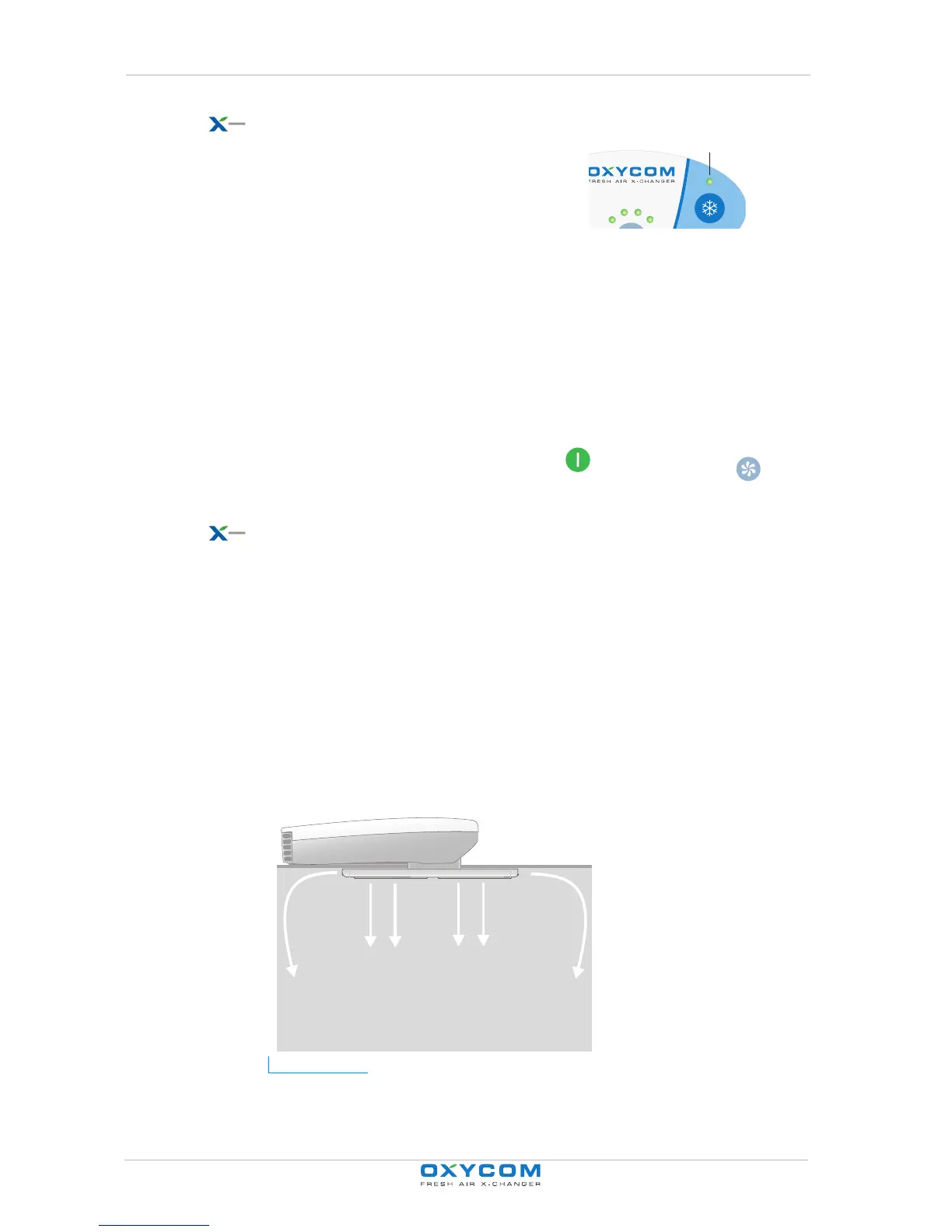
3.6 Controlling the air stream
The following components make it possible to control the air stream though the
OXYZONE:
- The ventilation setting, see "Adjusting ventilation settings" on page 11
- The screen setting (vertical air stream)
- The position of the exhaust vents (horizontal air stream)
Figure 3.6 The air stream can be controlled from the operator panel (B) on the OXYZONE (A). The
air stream can be controlled by adjusting the screen (D) and the exhaust vents (C).
Lc
A
B
D
D
C
C



 To Next Page