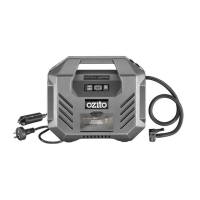
DPI-5000
4. INFLATING
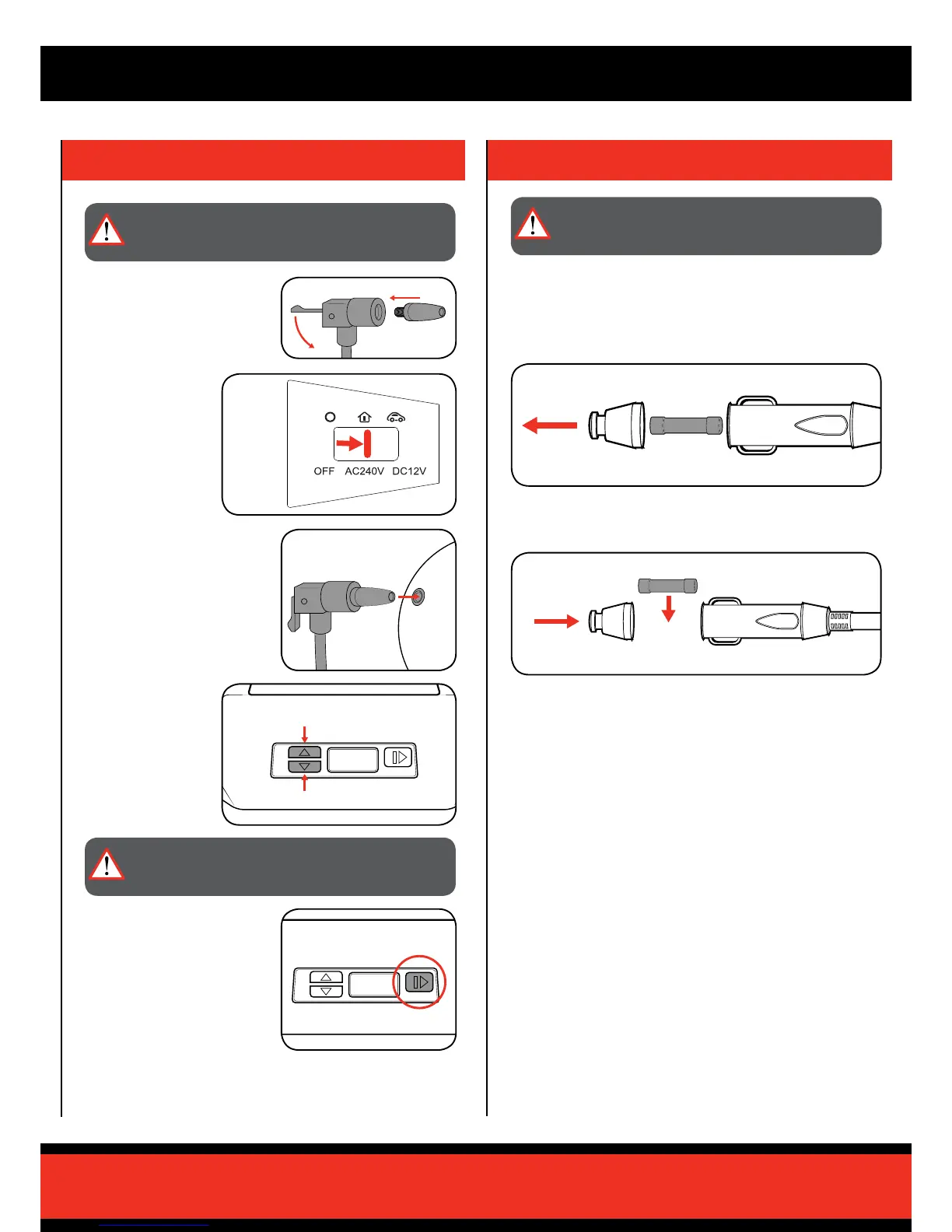
2 Connect the unit to
the desired power
supply and switch the
power mode switch
into the correct
setting.
4 Adjust the target
pressure using the
target pressure
buttons.
NOTE: The required
pressure should be
written on the item.
3 Insert / Attach the hose adaptor
to the item to be inated.
5 Start inating by pressing the
Run / Pause button.
The current ination pressure
will display on the LCD screen.
NOTE: The unit will automatically
shut off once the target pressure
has been reached.
1 Attach the required adaptor for
the job and ensure it is secured
with the hose locking lever.
IMPORTANT: BEFORE CONNECTING OR DISCONNECTING
ACCESSORIES, ALWAYS MAKE SURE THAT THE
INFLATOR IS OFF.
WARNING: AVOID INFLATING THE OBJECTS ABOVE
THE RECOMMENDED INFLATION PRESSURE. THIS MAY
LEAD TO DAMAGE AND/OR INJURIES.
5. REPLACING 12V DC FUSE
1 Unscrew the top of the 12V socket to expose the fuse.
The 12V socket is tted with a 10A fuse to protect the inator. If the unit
has stopped working and the LCD display does not illuminate, the fuse
may need to be replaced.
2 Replace the 10A fuse and screw the top back onto the 12V socket.
WARNING: ENSURE THE TOOL IS SWITCHED OFF AND
DISCONNECTED FROM THE POWER SUPPLY BEFORE
PERFORMING ANY OF THE FOLLOWING STEPS.


 To Next Page