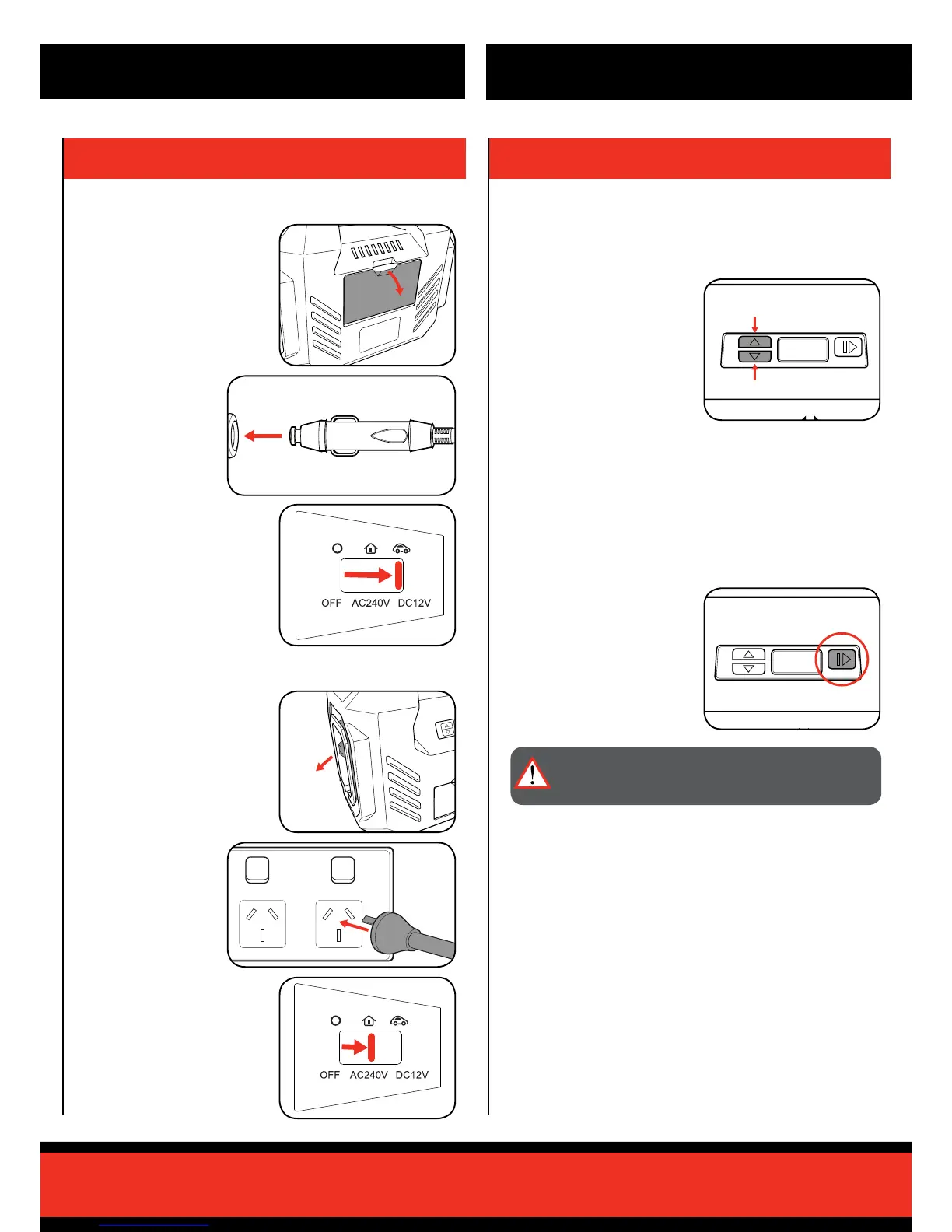
3 Push the power mode
switch into the DC 12V
setting.
3 Push the power
mode switch into the
AC 240V setting.
3. CONTROLS
Setting the Target Pressure
Run / Pause Button
1 To increase the target
pressure, press the upper
target pressure button.
1 To start inating an item, press
the Run/Pause button.
2 To stop or pause inating an
item prior to the set target
pressure is reached, press the
Run/Pause button.
2 To decrease the target
pressure, press the lower
target pressure button.
Note: The set target pressure will ash 3 times on the LCD screen and
then return to the current pressure display.
The unit can inate an item to a preset target pressure within the range
of 3 - 120 PSI. Once the pressure is obtained the unit will automatically
shut off.
The unit can be stopped prior to the preset target pressure is reached
using the run / pause button and can then be resumed if desired.
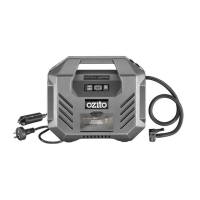
2. CONNECTING TO POWER
Connecting to a 12V DC Outlet
Connecting to a 240V AC Outlet
1 Remove the 12V socket from
the compartment at the back
of the unit and roll out.
1 Remove the 240V power cord
from the left of the unit and roll
out.
2 Connect the 12V
socket to a 12V DC
outlet which can be
found in your vehicle.
2 Plug the cord into a
240V AC power outlet.
WARNING! COMPRESSED AIR CAN BE DANGEROUS.
NEVER POINT THE OUTLET NOZZLE TOWARDS ANY
PART OF YOUR BODY OR ANOTHER PERSON.
OPERATION


 To Next Page