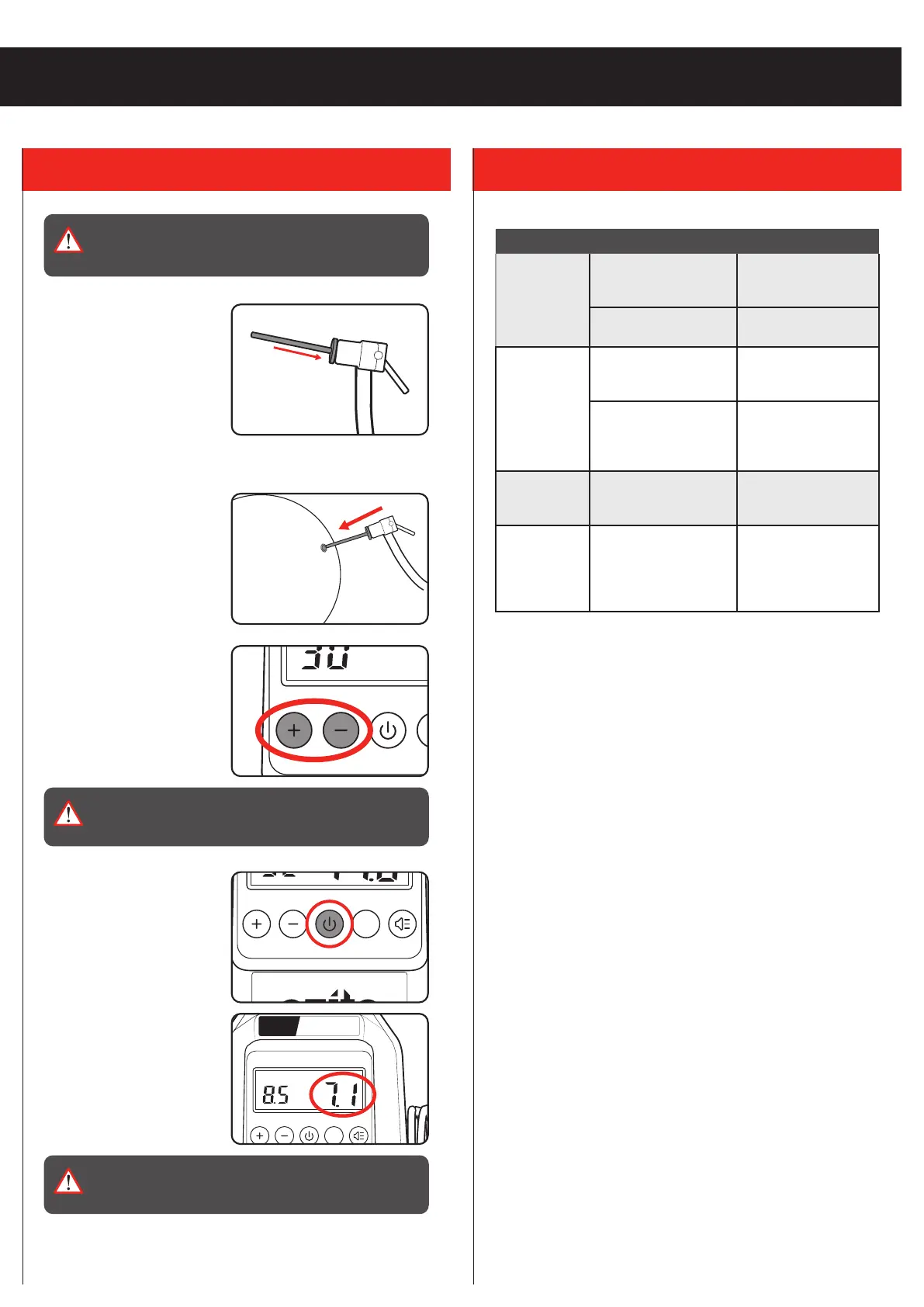
1. Attach the required adaptor
for the job and ensure it
is secured with the hose
locking lever.
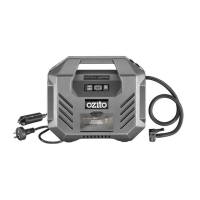
2. Connect the unit to the desired power supply.
3. Insert / attach the hose
adaptor to the item to be
inflated.
4. Adjust the target pressure
using the ‘+’ and ‘-’ buttons.
Note: The required pressure
should be written on the item.
WARNING! DO NOT INFLATE OBJECTS ABOVE THE
RECOMMENDED INFLATION PRESSURE. THIS MAY
LEAD TO DAMAGE AND/OR INJURIES.
5. Start inflating by pressing
the power button.
Note: The unit will
automatically shut off once
the target pressure has been
reached.
Note: The real-time pressure
of the connected item will be
displayed on screen.
WARNING! THIS INFLATOR IS FOR INTERMITTENT
PERIODIC USE. ALLOW THE INFLATOR TO COOL FOR
10MINS AFTER 10MINS OF CONTINUOUS OPERATION.
3. INFLATING 4. TROUBLESHOOTING
WARNING! BEFORE CONNECTING OR DISCONNECTING
ACCESSORIES, ALWAYS MAKE SURE THAT THE
INFLATOR IS OFF.
DPI-6000
Symptom Possible Cause Suggested Solution
The inflator
does not start
Inflator not connected
to the power
Connect the unit to a
12V DC or
230-240V AC outlet
Insufficient supply
voltage
Try another power
outlet
The inflator
starts but
there is no
pressure
Loose hose
connections
Check the air hose
and adaptor and
replace if necessary
The seals are damaged Check the seals and
have any damaged
seals replaced by a
service centre
LCD display
won’t turn on
Compressor not
connected to power
Connect the unit to a
12V DC or
230-240V AC outlet
The unit
automatically
stops before
the item is
fully inflated
Target pressure setting
is set too low
Adjust the target
pressure to the
required value
indicated on the
inflatable item


 To Next Page