5. CONTROLS
OPERATION
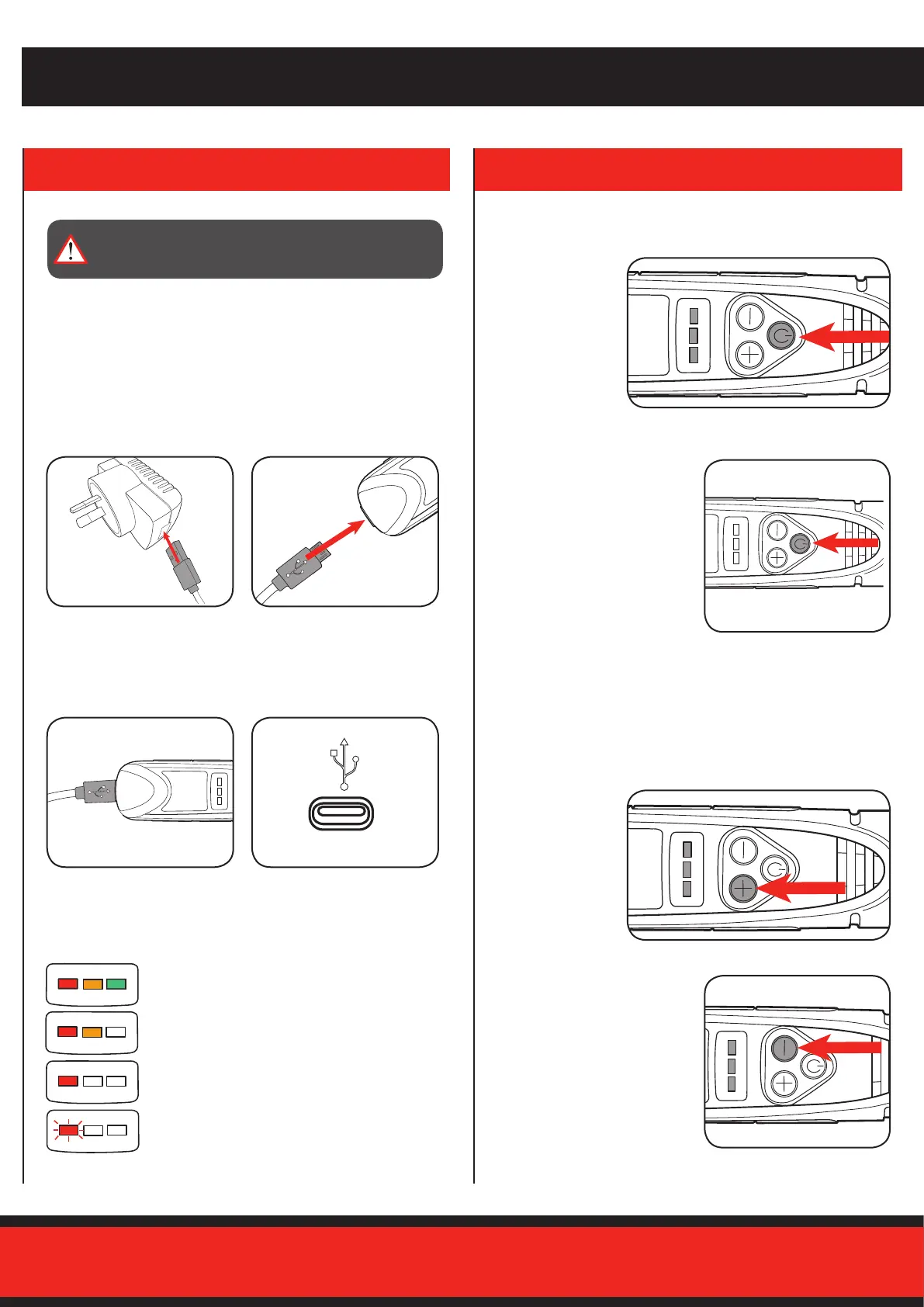
1. Press the
“+” button to
increase the
speed.
2. Press the “-” button to
reduce the speed.
1. To turn on,
push the on/
off button.
The LED’s will
illuminate once
switched on.
2. To turn off, push the on/off
button again.
Variable Speed Control
On/Off Button
4. BATTERY & CHARGER
Note: Once connected to power the battery charge indicator
red LED will illuminate while charging. The green LED
illuminates when fully charged.
WARNING! THE POWER SUPPLY FOR THIS CHARGER IS
RECOMMENDED FOR USE WITH A RESIDUAL CURRENT
DEVICE (RATED AT 30mA OR LESS).
Charging Using the AC Adaptor
Charging Using a USB Outlet
2. Plug the other end of the
USB cable directly into
the charging input.
2 Charge via USB cable to a
USB outlet.
1. Plug one end of the USB
cable into the AC Adaptor
and connect the adaptor
into mains power outlet.
Battery Charge Indicator
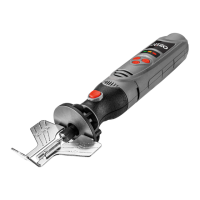
The portable chainsaw sharpener is equipped with a battery
charge indicator to show the state of the battery charge.
Press the on/off button and look to see which LED lights.
Note: The charger needs to be removed from the tool to check
the state of charge.
Full state of charge.
Mid state of charge.
Low state of charge, requires charging soon.
Battery requires immediate charging.
1. Plug the USB cable
directly into the
charging input.
Note: The default speed setting when switched ON is “3”.
Press the speed control to a position between “1” and “6” as
follows.


 To Next Page