2. CHANGING ACCESSORIES CONT. 3. FLEXIBLE SHAFT
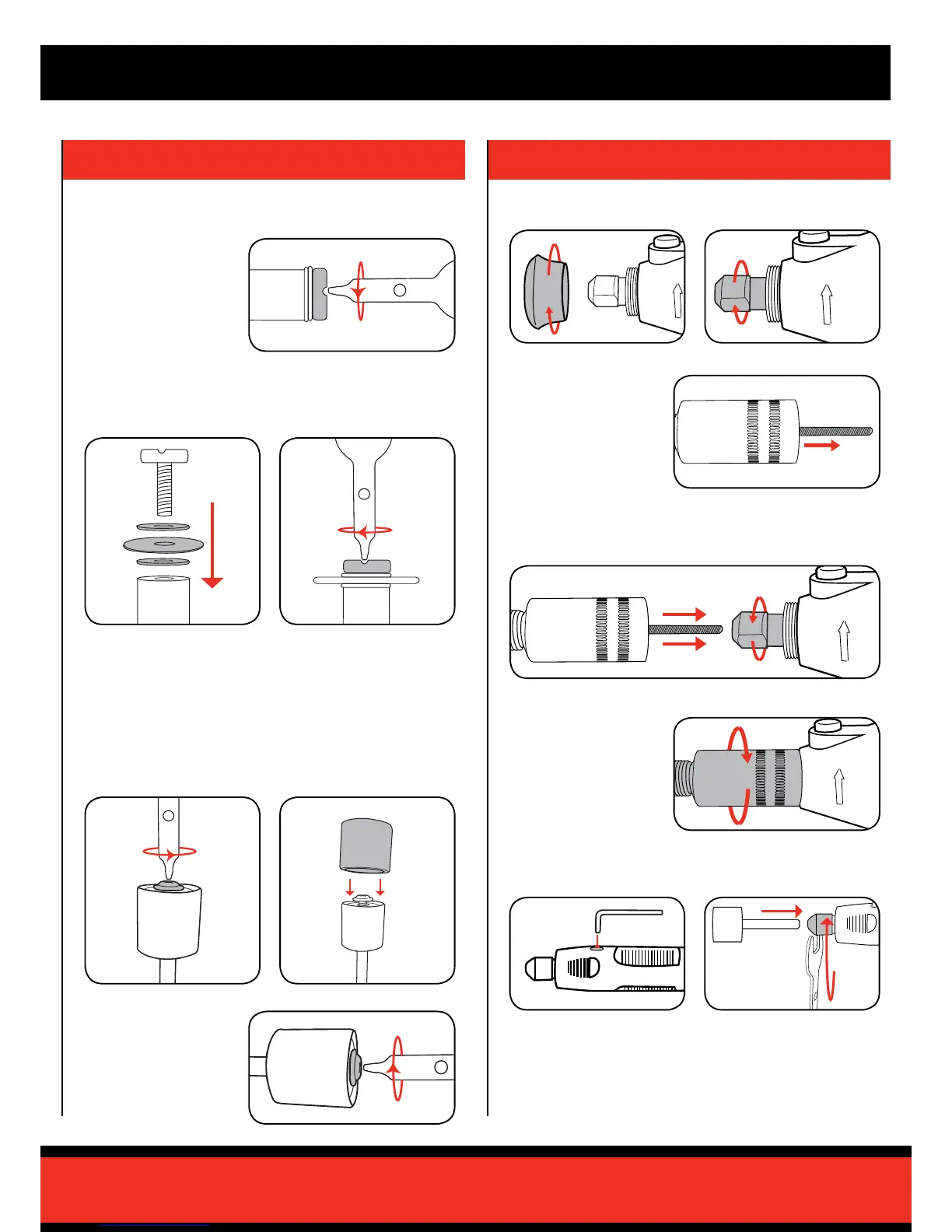
Locating a cutting/sanding disc
Locating a sanding drum
2 Fit the bre ange either side
of the cutting disc, then insert
the screw.
1 Loosen the screw on the top
of the sanding drum holder.
3 Tighten the cutting disc onto
the cutting disc holder.
2 Slide the sanding drum onto
the sanding drum holder.
1 Remove the screw from
the end of the disc holder.
Note: Do not over-tighten the screw as it could result in damage to the
cutting disc.
3 Tighten the screw until
the sanding drum sleeve
is secured.
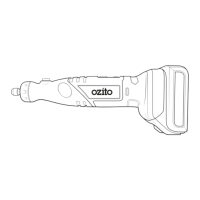
1 Remove the shaft collar.
6 Insert the spindle lock key into
the hole on the handle.
2 Loosen the collet nut.
7 Loosen collet nut then insert
shank of accessory into collet.
3 Raise the handle end of
the exible shaft & shake
gently until the inner
exible shaft protrudes
from the tting collar.
5 Screw the exible shaft
tting collar onto the
rotary tool.
8 Tighten collet nut and check all ttings to ensure they are securely
fastened.
4 Insert the inner exible shaft into the collet then tighten the collet
nut.



 To Next Page