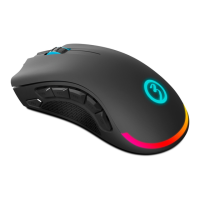
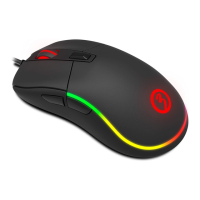
EXO N
V3 0
INDEX
System Requirements
01. Operating System:
Windows 7 / Windows 8 / Windows 8.1 / Windows 10
02. Free USB 1.1/ 2.0 port.
03. 50 MB free hard disk space.
SOFTWARE INSTALLATION
01. Plug EXON V30 USB connector to a USB port of your PC.
02. Download the driver from www.ozonegaming.com
03. Double click “Setup.exe” to start the installation program. Click “Next” to continue.
04. Select the folder to save the driver and click “Next” to continue.
05. Installation runs automatically. Click “Finish” to complete the installation.
System requirements
Software installation
Default button assignment


 To Next Page